What Is the Difference Between Plenum and Riser Cable in DFW Commercial Buildings?

You call three cabling contractors about a 40-drop office in Dallas. One quotes $6,000, another quotes $11,000, and the third comes back at $15,500. Same drop count, same building. So what gives?
The price gap almost always comes down to what is actually included. Cable type, pathway work, termination, testing, labeling, patch panel organization, network closet cleanup, building access, scheduling, and the condition of whatever was left behind by the last tenant. Two quotes that look identical on paper can describe two completely different scopes of work.
This guide breaks down what drives Dallas network cabling costs, how Cat6, Cat6A, and fiber upgrade pricing actually works, what belongs in a professional quote, and what to prepare before you pick up the phone. The goal is to help you compare quotes on equal terms so you don’t end up paying twice for work that should have been done right the first time.
Need a cabling quote for your DFW office or facility? Cabling in DFW offers free site visits across Dallas-Fort Worth.
Why Dallas network cabling costs vary so much
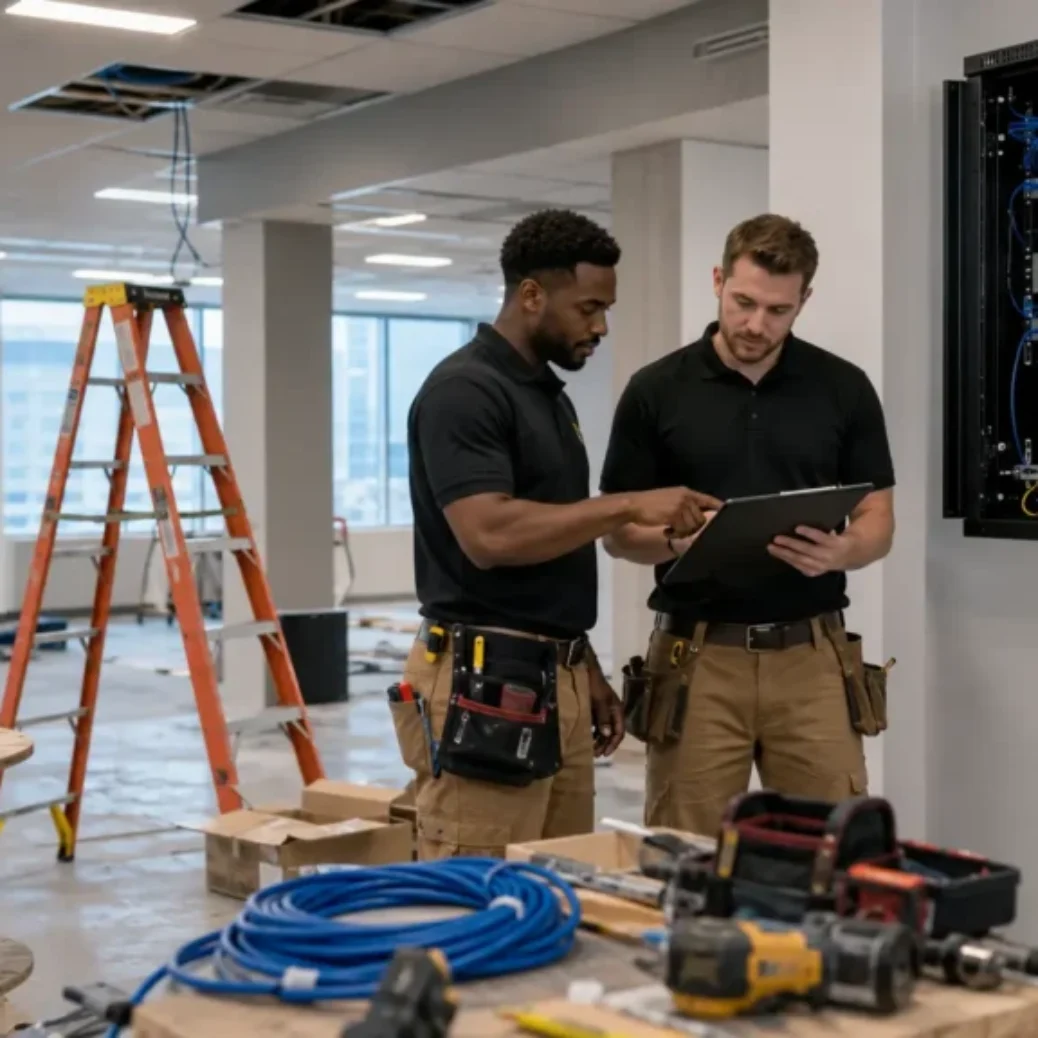
Network cabling is not a product you buy off a shelf. It is a construction service. Every building is different, and every project has its own set of variables. A 30-drop install in a single-story Plano office with open drop ceiling and an accessible network closet is a straightforward job. That same drop count in a multi-story Irving office building with closed walls, shared telecom rooms, and required conduit runs is a completely different project.
The variables that move the price include the number of network drops, cable type (Cat6, Cat6A, or fiber), cable run length, ceiling type, wall construction, existing conduit availability, plenum versus riser cable requirements, patch panel and rack work, network closet condition, testing and certification, labeling and documentation, scheduling (business hours versus after-hours), building access rules, and project timing relative to move-in deadlines.
When two quotes differ by thousands of dollars, it usually means one contractor included more of these line items than the other. That is not always obvious when all you see is a single bottom-line number.
What is the true cost of Dallas network cabling services?
There is no single number that applies to every project. But here is the honest answer: most commercial cabling projects in the Dallas-Fort Worth area are priced per drop, and the per-drop cost ranges from roughly $150 to $350 or more depending on cable type, run length, pathway complexity, and what the contractor includes in the price.
A simple Cat6 drop in an open-ceiling office with short runs and clean closet access will sit at the lower end. A Cat6A drop in a closed-wall building with long runs, required conduit, plenum-rated cable, and a network closet that needs cleanup or new rack hardware will sit at the higher end. Fiber backbone work, multi-floor builds, and after-hours scheduling push the number higher still.
These are planning ranges only. The actual number comes after a site walkthrough, which is the only way a contractor can see the ceiling, check the closet, measure run lengths, and identify building-specific issues. If you want a rough estimate before a site visit, the cabling calculator on our site can help with ballpark numbers.
Planning-level cost ranges for common DFW cabling projects
The table below is not a quote. Treat these as planning ranges to help you budget before a contractor walks your building. Final pricing depends on the site walkthrough and scope discussion.
| Project type | Typical includes | Key cost factors | Notes |
|---|---|---|---|
| Cat6 data drops (per drop) | Cable, termination, keystone jack, faceplate, patch panel port, testing, labeling | Run length, ceiling access, plenum vs riser | Most common for standard DFW office builds |
| Cat6A data drops (per drop) | Same as Cat6 plus Cat6A-rated cable and components | Thicker cable, tighter termination tolerances, shielding | Best for PoE++ devices, Wi-Fi 6/6E APs, 10Gbps readiness |
| Fiber backbone (per link) | Fiber cable, termination, splice or connector work, testing, labeling | Distance, strand count, single-mode vs multimode, pathway access | Typically MDF-to-IDF or building-to-building connections |
| Small office (10-20 drops) | Cat6 or Cat6A drops, patch panel, basic closet organization, testing | Drop count, cable type, closet condition | Common for Plano and Frisco new office buildouts |
| Warehouse cabling | Longer Cat6/Cat6A runs, AP drops, camera drops, conduit work | Ceiling height, run length, lift access, outdoor conduit runs | Fort Worth warehouse parks often need 200+ ft runs |
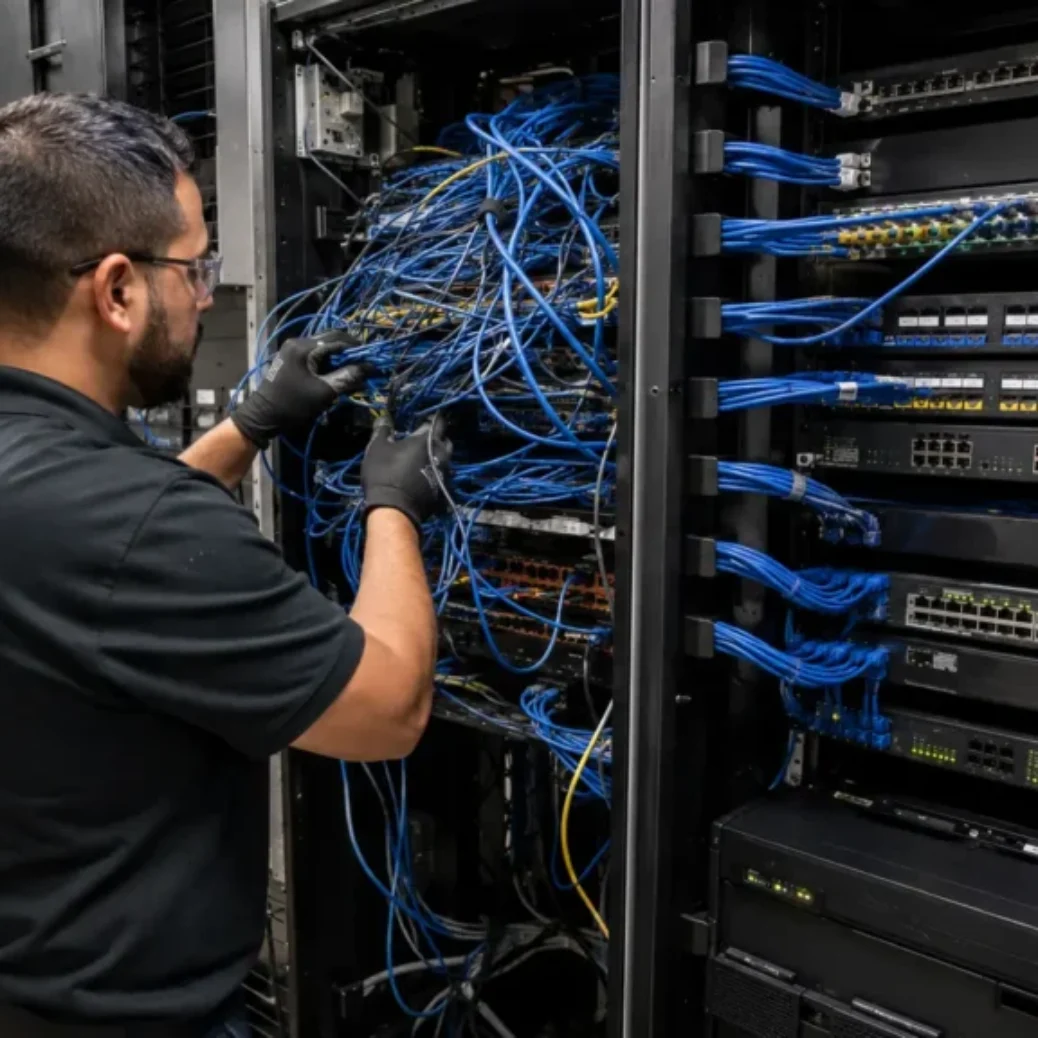
| Network closet cleanup | Re-terminate, re-label, cable management, patch panel swap | Number of existing cables, closet size, rack condition | Stand-alone job or add-on to drop install |
| Patch panel and rack work | New rack or cabinet, patch panels, cable management, grounding | Rack size, wall-mount vs floor-mount, power needs | Required when closet has no proper rack or panels |
| Testing and certification | Fluke DSX testing, pass/fail report, documentation | Number of runs, cable type (Cat6A has stricter test parameters) | Should be standard, not an add-on |
| After-hours installation | Same scope but performed outside business hours | Time premium, building security coordination | Common in Dallas medical offices and multi-tenant buildings |
| Conduit or pathway work | EMT conduit, J-hooks, cable tray, fire stop, core drilling | Wall type, floor penetrations, code requirements | Biggest cost variable in closed-wall and multi-floor DFW buildings |
What affects network cabling cost in Dallas?
Every line item in a cabling quote traces back to one of the cost factors below. Understanding these helps you compare quotes fairly and ask the right questions before signing.
Drop count
More drops means more cable, more terminations, more testing, and more patch panel ports. Drop count is the single biggest driver of total project cost. But per-drop cost often decreases on larger projects because the fixed costs (site setup, closet work, mobilization) spread across more drops.
Cable type: Cat6 vs Cat6A vs fiber
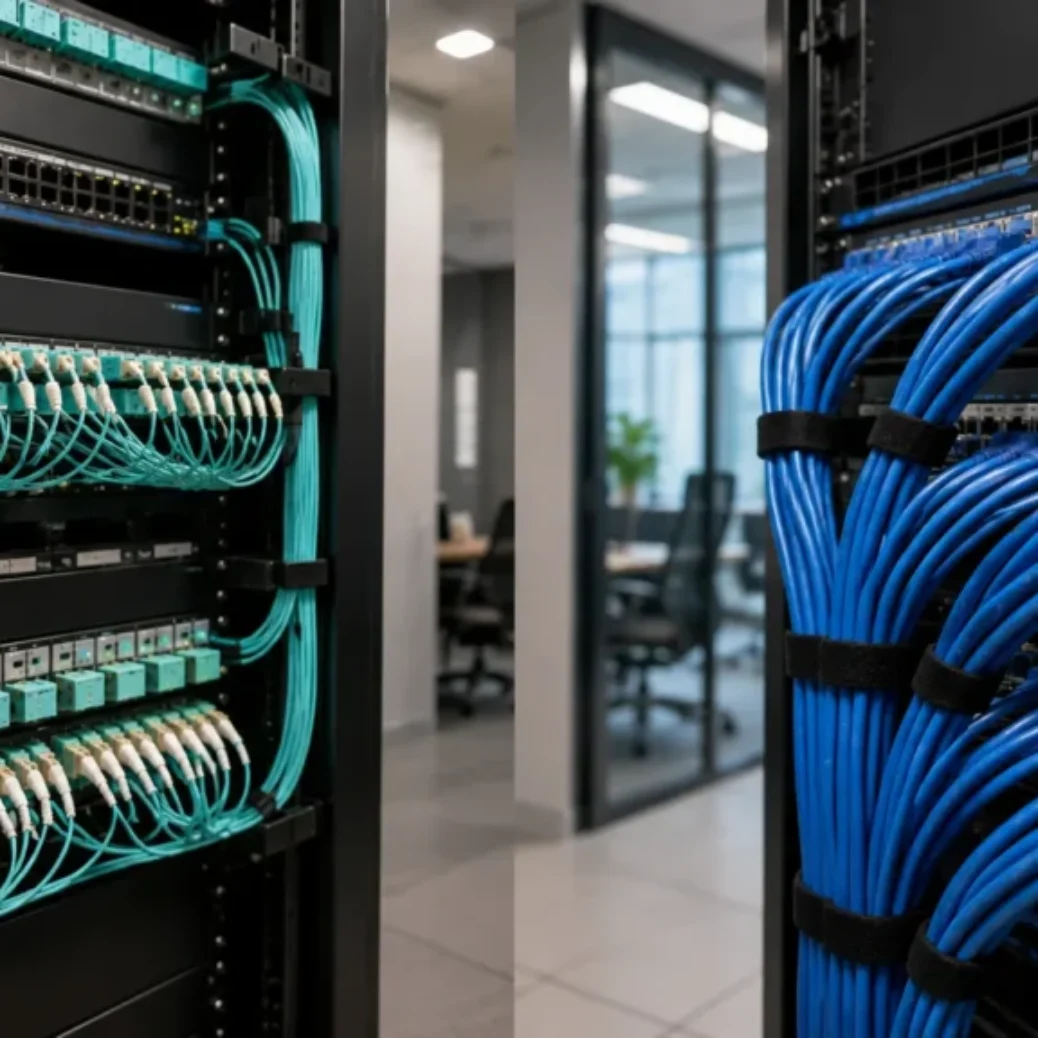
Cat6 is the baseline for most Dallas-Fort Worth office installs. It supports 1Gbps at up to 100 meters and handles VoIP phones, printers, workstations, and standard access points. Cat6 and Cat6A cable installation costs more for Cat6A because the cable is thicker, heavier, and harder to terminate. But Cat6A supports 10Gbps at the full 100-meter distance and is the right choice for Wi-Fi 6E access points, PoE++ devices, and offices that want to avoid a re-pull in five years.
Fiber costs the most per connection but is necessary for backbone links, distances beyond 100 meters, building-to-building runs, and high-bandwidth applications. For more on fiber planning, see our guide on fiber optic cabling installation.
Cable run length
Longer runs mean more cable and more labor. A 50-foot run costs less than a 200-foot run. In Fort Worth warehouses with high ceilings and wide floor plates, run lengths can reach 250 feet or more before the TIA-568 100-meter limit becomes a concern. Runs that exceed the limit require fiber or additional network closets.
Ceiling access and wall type
Open drop ceilings are the easiest and cheapest to cable. Closed (hard lid) ceilings require more labor because technicians need to cut access holes or fish cable through tight spaces. Concrete walls, fire-rated walls, and exterior walls add time and cost. Many Dallas office buildings built in the 1990s and early 2000s have hard-lid ceilings with limited pathway space.
Plenum vs riser cable
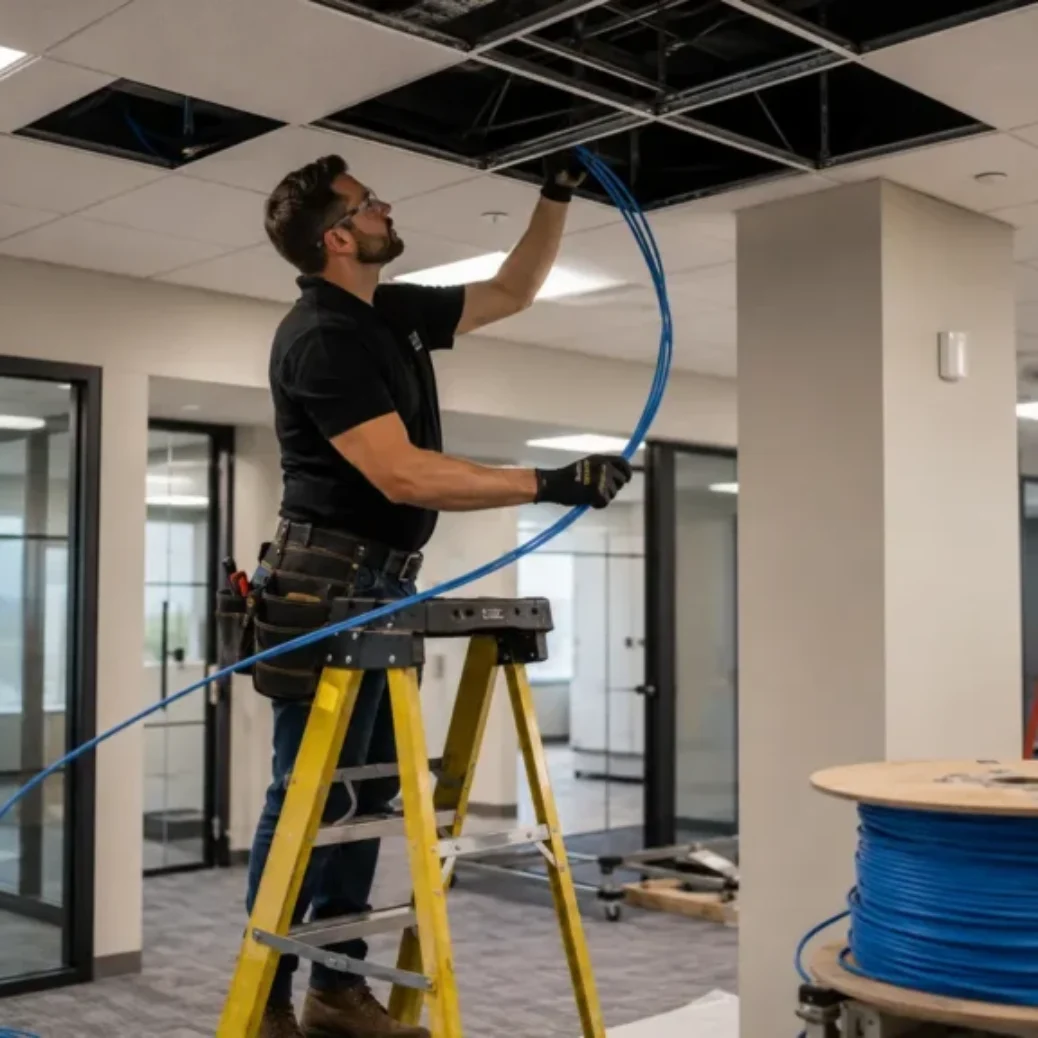
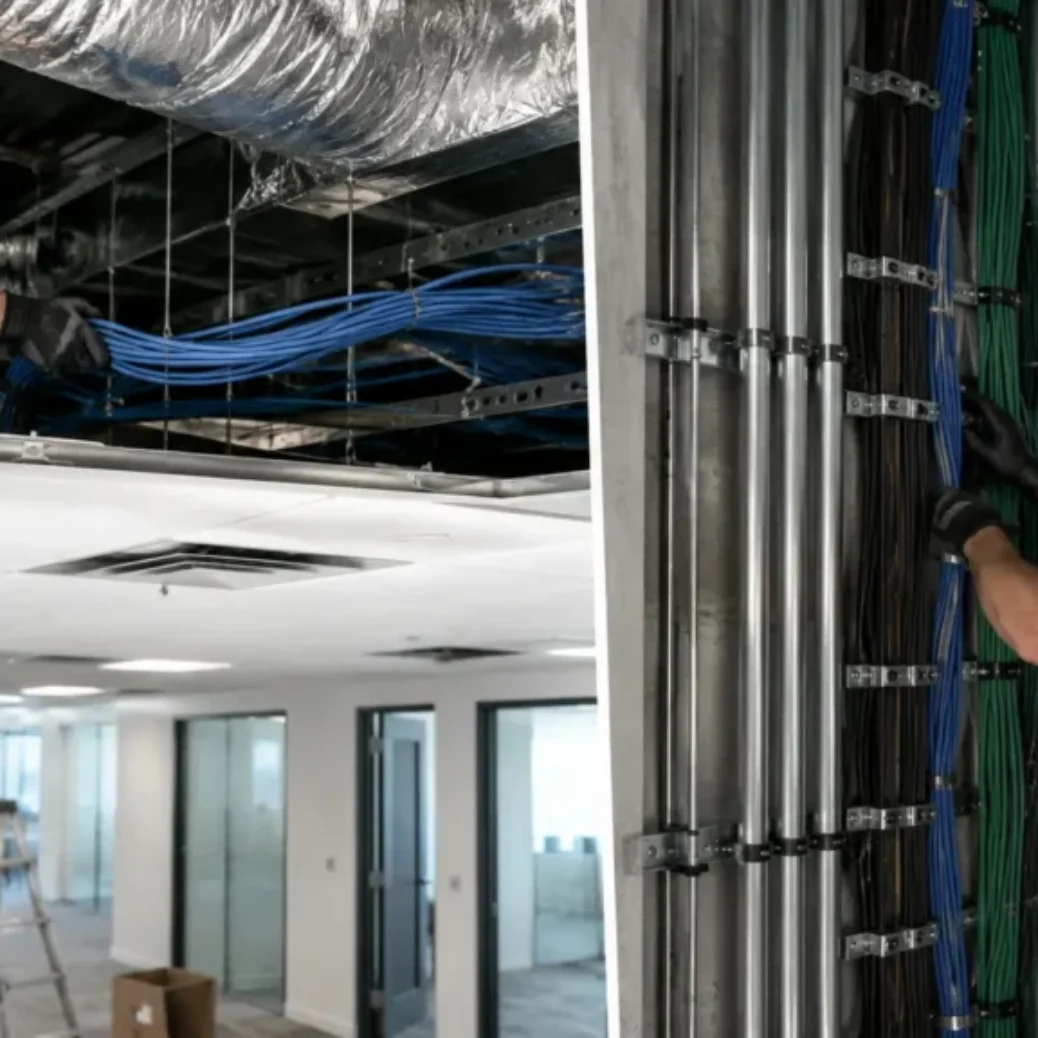
If cable runs pass through air-handling spaces (above drop ceilings in most commercial buildings), fire code requires plenum-rated cable. Plenum cable costs more per foot than riser cable. Almost every Dallas and Fort Worth commercial office install uses plenum cable, so this is standard, not optional.
Patch panels, racks, and network closet condition
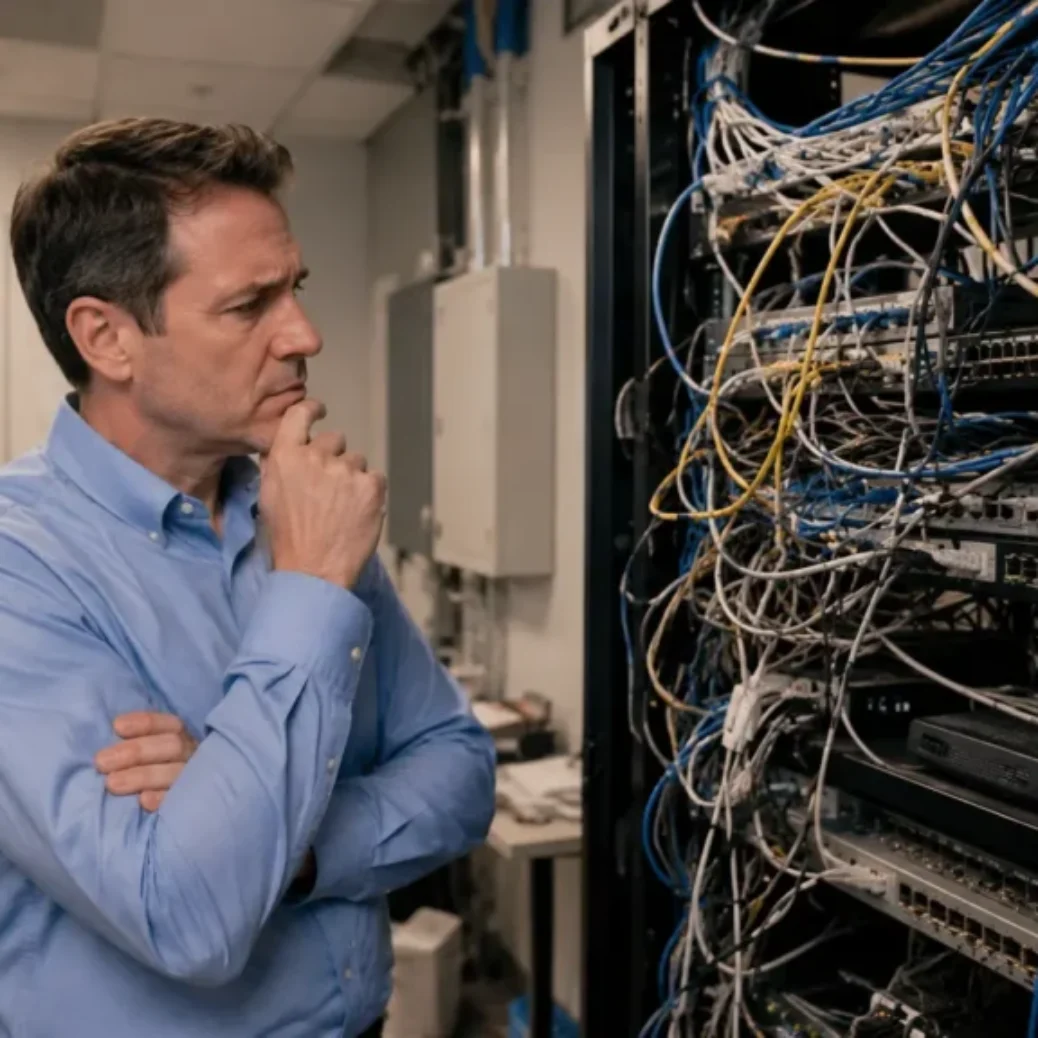
A clean closet with an existing rack and available patch panel space is cheaper to work in. A closet full of tangled cables, no rack, no panel, and no cable management means the contractor has to build the infrastructure before any drops can be terminated. Network closet cleanup and rack buildout can add $500 to $3,000 or more depending on the scope.
Testing, certification, and labeling
Every cable run should be Fluke tested and labeled at both ends. Testing confirms the run passes Cat6 or Cat6A performance standards. Labeling means you can identify every cable at the closet and at the wall plate without tracing it by hand later. Some contractors skip testing and labeling to keep their quote low. That saves money on paper but costs more when you troubleshoot problems six months later.
After-hours scheduling and building access
Medical offices in Dallas that cannot have downtime during patient hours, multi-tenant buildings in Irving with access windows, and retail locations that need work done before opening all require after-hours scheduling. This adds a premium for labor, and sometimes for building security coordination.
Property management companies in Carrollton and Plano often require advance notice and on-site escorts, which can slow down the project and increase cost.
Not sure what your project needs? Cabling in DFW offers free site visits across Dallas, Fort Worth, Plano, Irving, Frisco, and the wider DFW metro. We will walk your space, check the closet, and give you a straight answer on scope and cost.
What affects Cat6 installation cost in Dallas?
Cat6 is the standard cable type for most DFW commercial offices. It supports 1Gbps Ethernet and works well for workstations, VoIP phones, printers, IP cameras, and standard wireless access points. For a deeper look at planning and budgeting a Cat6 office install, our guide on office network cabling planning and cost covers the full process.
The cost of a Cat6 drop depends on run length, ceiling type, wall type, whether the cable must be plenum rated, and how much closet work is needed. A short Cat6 run in a Plano office with an open ceiling and a clean closet will cost less than a long Cat6 run in a Dallas building with a hard-lid ceiling, conduit requirements, and a closet that needs a new rack.
Cat6 makes sense when you need reliable gigabit performance at every drop, you are not running high-power PoE++ devices, and you do not expect to need 10Gbps at the workstation level in the next five to seven years. For most small to mid-size offices in DFW, Cat6 still handles the job.
What affects Cat6A installation cost in Dallas?
Cat6A costs more than Cat6 per drop. The cable itself is thicker and heavier. Termination takes more care because the performance specs are tighter. Components (jacks, patch panels, connectors) rated for Cat6A cost more than Cat6-rated equivalents.
But Cat6A gives you 10Gbps at the full 100-meter distance, better shielding against crosstalk, and the ability to power high-wattage PoE++ devices like pan-tilt-zoom cameras and Wi-Fi 6E access points without worrying about heat buildup in the cable bundle.
Dallas-Fort Worth businesses choose Cat6A when they are building a new office and want to avoid a re-pull in three to five years, when they are installing Wi-Fi 6E or Wi-Fi 7 access points that need 10Gbps backhaul, when they are deploying PoE++ powered devices, or when their IT team has identified a near-term need for multi-gigabit speeds at the workstation.
If you are weighing the two options, our comparison of Cat6 vs Cat6A vs Cat7 for DFW offices goes into the performance specs side by side.
What affects fiber optic upgrade cost in Dallas?
Fiber is not a direct replacement for copper at the workstation. It is used for backbone links between the main distribution frame (MDF) and intermediate distribution frames (IDFs), building-to-building connections, distances that exceed copper’s 100-meter limit, and high-bandwidth links that need 10Gbps, 40Gbps, or beyond. For businesses considering the switch, we covered the decision in why Dallas businesses upgrade to fiber cabling.
Fiber costs more than copper per connection because the cable, connectors, and termination equipment are more expensive, and the labor requires specialized training. Single-mode fiber costs more per strand than multimode but supports longer distances and higher bandwidth. The choice between the two depends on the application and the distances involved.
In DFW, fiber upgrades are most common in multi-floor Dallas office buildings, Fort Worth warehouse campuses with separate buildings, Frisco and Plano offices that are expanding rapidly, and medical office complexes that need high-speed connections between imaging rooms and server closets.
Cat6 vs Cat6A vs fiber: which one fits your Dallas-Fort Worth project?
| Factor | Cat6 | Cat6A | Fiber |
|---|---|---|---|
| Best use | Standard office workstations, VoIP, printers | Wi-Fi 6E APs, PoE++ devices, 10Gbps-ready offices | Backbone links, long distance, building-to-building |
| Cost level | Lower per drop | 15-30% more than Cat6 per drop | Highest per connection |
| Max distance (full speed) | 55m at 10Gbps, 100m at 1Gbps | 100m at 10Gbps | Hundreds of meters to kilometers |
| Bandwidth | Up to 10Gbps (distance limited) | Up to 10Gbps at full distance | 10Gbps to 400Gbps+ |
| PoE support | PoE, PoE+ | PoE, PoE+, PoE++ (Type 3/4) | Not applicable (no power over fiber) |
| Upgrade value | Good for 5-7 year office lifespan | Good for 10+ years | Long-term backbone, rarely needs replacement |
| Typical DFW use case | Plano office buildout, small Dallas office | Irving corporate office, Frisco tech company | Multi-floor Dallas building, Fort Worth campus |
What should be included in a professional network cabling quote?
Before you compare prices, make sure each quote covers the same scope. A low number means nothing if half the work is missing. When you are choosing a network cabling contractor in DFW the quote itself tells you a lot about how the contractor operates.
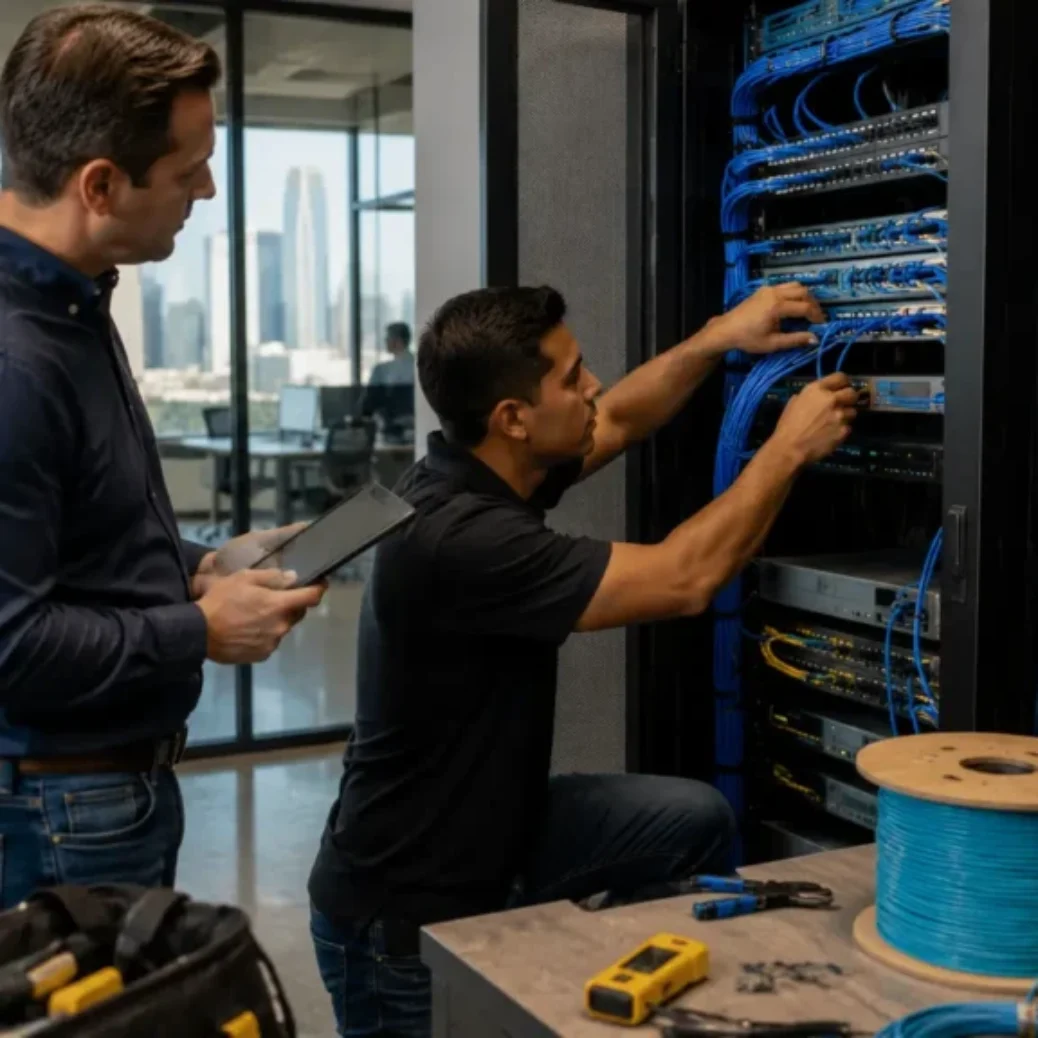
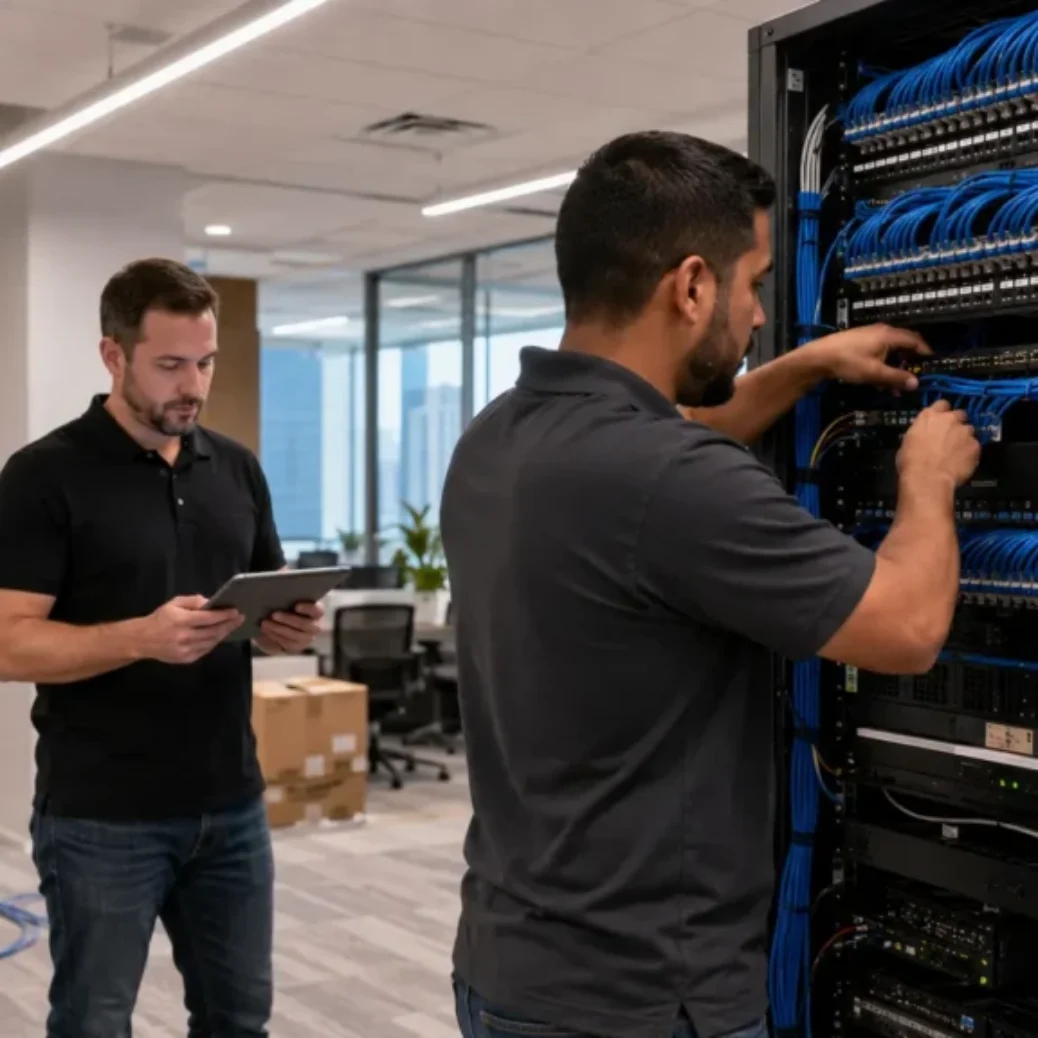
A complete cabling quote should include: the site walkthrough or survey that the quote is based on, cable type and grade specified by name (Cat6, Cat6A, fiber, plenum or riser rated), the total number of drops and their locations, cable pathway details (J-hooks, conduit, cable tray), labor for pulling, routing, and securing cable, termination at both ends (wall plate and patch panel), keystone jacks and faceplates at each drop, patch panel work (new or existing), rack or cabinet work (wall-mount or floor-mount), testing and certification for every run, labeling at both ends of every cable, documentation (as-built records, test reports), cleanup of the job site and closet, warranty or workmanship guarantee terms, and a clear list of exclusions and change order terms.
If a quote is missing any of these items, ask about them before signing. The items that get left out most often are testing, labeling, patch panel organization, closet cleanup, and documentation. These are exactly the things that separate a professional install from a headache.
Why the cheapest network cabling quote often costs more later
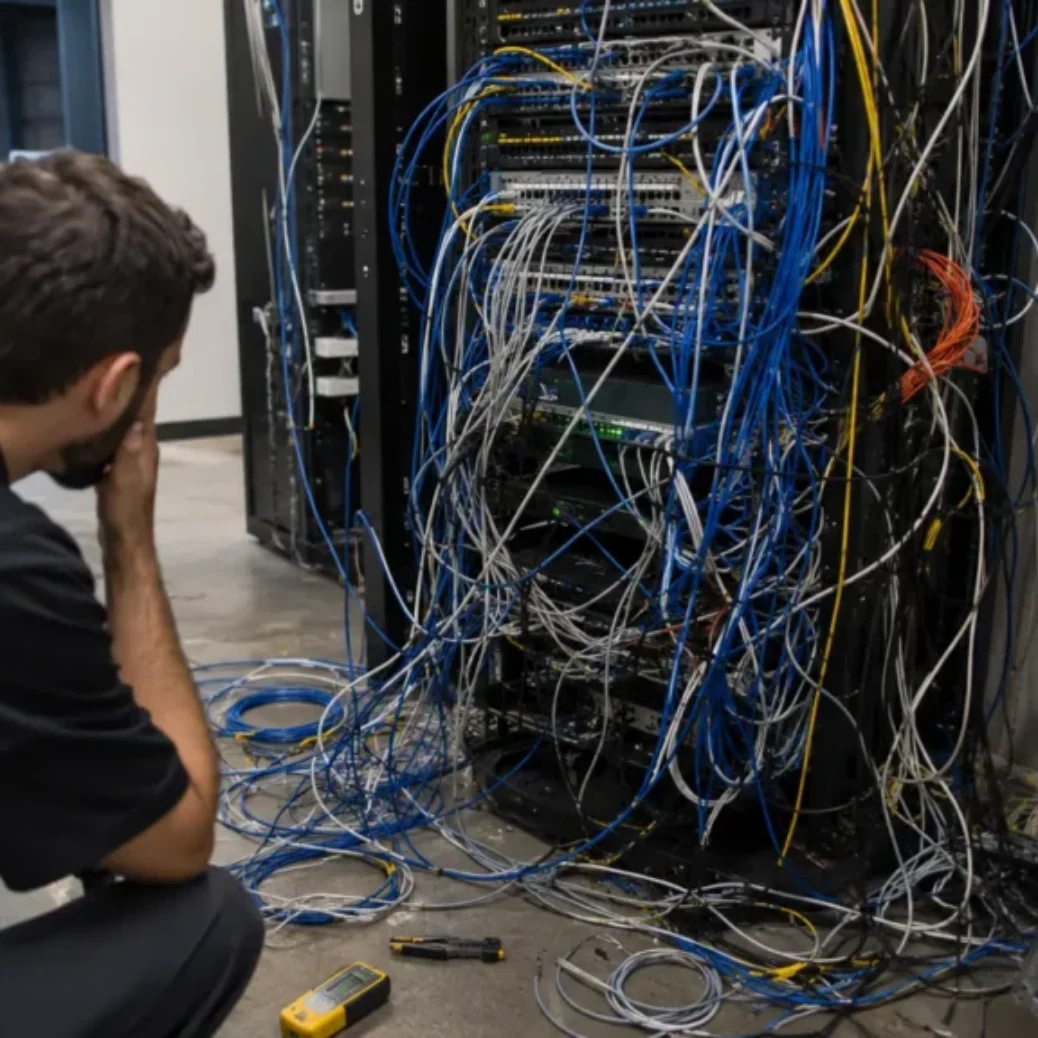
We have walked into enough network closets across Dallas-Fort Worth to know what a cheap install looks like. Unlabeled cables stacked on top of each other, no patch panels, loose connections that fail intermittently, cable draped over ductwork instead of supported on J-hooks, and test reports that do not exist because testing was never done.
The problems with a low-cost install usually show up within the first year. Dropped connections that nobody can trace because nothing is labeled. Failed PoE devices because the cable was not rated or terminated correctly. Network slowdowns that require a technician to re-test every run by hand. And when you call the original contractor to fix it, they are either unavailable or the warranty does not cover workmanship issues because there was no warranty to begin with.
Before you compare cabling quotes, read our breakdown of common cabling mistakes DFW businesses make so you know what red flags to look for.
Local DFW cost considerations by building type
Dallas office buildings, especially in Uptown, Deep Ellum, and the downtown corridor, often have building rules about cabling work. Some require after-hours installation, security escorts, elevator reservations for material delivery, and pre-approved contractor insurance certificates. These add cost and time that does not exist in a standalone Carrollton office suite.
Fort Worth warehouses, especially along the I-35W corridor and Alliance area, tend to have high ceilings (24 to 40 feet), long cable runs, and the need for lift access. Conduit is common. Run lengths often approach the 100-meter TIA limit, which means careful planning around closet placement. Our Dallas warehouse structured cabling checklist covers the full scope for warehouse projects.
Plano and Frisco offices are frequently new buildouts in Class A office space. The cabling is usually straightforward (open ceilings, clean closets, reasonable run lengths), but the scope can grow fast when conference rooms, huddle spaces, digital signage, and high-density Wi-Fi coverage are part of the plan.
Irving and Las Colinas office buildings often involve property management coordination, shared telecom rooms, and strict access schedules. Medical offices across DFW add another layer because installation has to work around patient scheduling, and downtime is not an option. For a deeper look at structured cabling costs in one of DFW’s fastest-growing markets, see how much structured cabling.
How to prepare before asking for a cabling quote
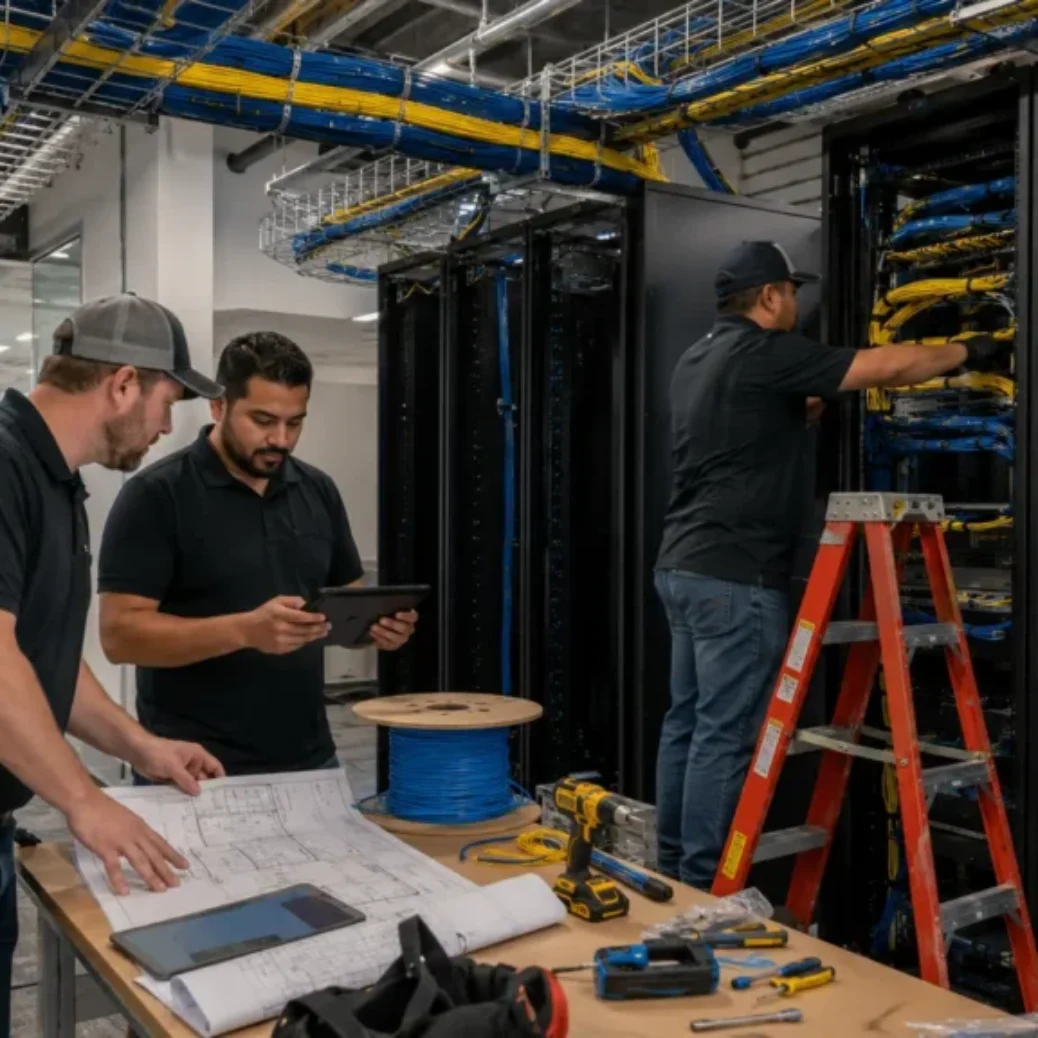
The better prepared you are before the site walkthrough, the faster and more accurate the quote will be. Here is what helps: Gather your floor plan or a rough sketch of the space with desk locations marked. Know (or estimate) how many desks, phones, printers, wireless access points, security cameras, and access control points you need. Identify where the server rack or network closet is located, or where you want it placed.
Know your move-in date or project deadline. Find out the building’s access rules, especially if work needs to happen after hours or on weekends. Take photos of the existing network closet if there is one, including the back of the rack and the cable entry points. Note any known issues with old cabling, like unlabeled runs, damaged cables, or a closet that has never been cleaned up.
Having this information ready means the contractor can give you a more accurate quote and flag potential issues earlier. For VoIP phone system cabling requirements, there are a few additional details worth preparing around PoE switch capacity and desk-to-phone wiring.
Planning a move or office buildout? A site walkthrough can help you avoid missed drops, messy closets, and last-minute change orders. Cabling in DFW serves Dallas, Fort Worth, Plano, Irving, Carrollton, Frisco, and the wider DFW metro.
Why DFW businesses choose Cabling in DFW
BICSI-trained technicians. Every technician on our crew is trained to BICSI standards, which is the industry benchmark for commercial cabling design and installation.
Every run tested and documented. We Fluke-test every cable with a DSX CableAnalyzer and provide full test reports and labeling documentation before closeout. No guessing about whether a run passes or fails.
5-year workmanship warranty. If a cable fails due to our installation, we fix it. The warranty covers termination, pathway support, and connection integrity.
Based in Carrollton, TX. We are local to DFW, not dispatching from out of state. Response times are short, and we know the buildings, building managers, and access rules across the metro.
400+ commercial projects across DFW. Offices, warehouses, medical buildings, retail spaces, schools, and multi-tenant commercial buildings. Trusted by DFW businesses since 2009.
Related DFW cabling services include structured cabling, data and voice cabling services, Ethernet installation, and low voltage wiring. We also serve businesses in downtown Fort Worth and across the wider Dallas-Fort Worth area.
Frequently asked questions about Dallas network cabling costs
How much does network cabling cost in Dallas?
Most Dallas commercial cabling projects price out between $150 and $350 per drop for Cat6 or Cat6A, depending on cable type, run length, ceiling access, pathway work, and closet condition. Fiber backbone links cost more per connection. The only way to get an accurate number is a site walkthrough where the contractor can see the building, check the closet, and confirm the full scope.
Why do Cat6 and Cat6A quotes vary so much?
Cat6A cable is thicker, heavier, and harder to terminate than Cat6. Cat6A-rated components (jacks, patch panels, connectors) also cost more. Beyond the materials, Cat6A requires tighter termination tolerances and more careful cable management to pass Fluke certification. All of this adds labor time and component cost, which is why Cat6A quotes typically run 15% to 30% higher than Cat6.
Is fiber more expensive than Cat6?
Yes, per connection. Fiber cable, connectors, and termination equipment are more expensive than copper, and the labor requires specialized training and tools like fusion splicers. But fiber is not a direct substitute for Cat6 at every desk. It is used for backbone links, long distances, and high-bandwidth applications where copper cannot reach. The cost difference makes sense when you look at what each cable type is designed to do.
What is included in a professional network cabling quote?
A thorough quote should include cable type, drop count, cable pathway (J-hooks, conduit, tray), labor, termination at both ends, keystone jacks and faceplates, patch panel work, rack or cabinet setup, Fluke testing and certification, labeling, documentation, cleanup, warranty terms, and a list of exclusions. If any of these are missing, ask before you sign.
Can a cabling contractor quote accurately without a site visit?
Not really. A contractor can give you a rough range over the phone based on drop count and cable type.
But the final price depends on ceiling type, wall construction, run lengths, closet condition, pathway availability, building access rules, and scheduling. All of that requires eyes on the building. Any contractor who gives you a firm quote without seeing the space is either padding the number or planning to hit you with change orders.
What makes cabling projects more expensive?
The biggest cost drivers are long cable runs, closed-wall or hard-lid ceiling construction, required conduit work, poor network closet condition (needing new racks and panels), after-hours scheduling, plenum cable requirements, multi-floor builds, and building access restrictions. The more of these factors your project has, the higher the per-drop cost.
Is testing and labeling worth the extra cost?
Yes. Testing confirms every run meets Cat6 or Cat6A performance standards before you plug anything in. Labeling means you can identify every cable at the wall plate and at the patch panel without tracing it by hand. Skipping these saves a small amount on the install but costs far more when troubleshooting problems later. Any reputable contractor in DFW includes testing and labeling as standard, not an add-on.
When should a Dallas business upgrade to fiber?
Fiber makes sense when you have backbone connections between floors or buildings, when cable runs exceed 100 meters, when you need bandwidth above 10Gbps on a link, or when you are planning for long-term growth and want a backbone that will not need replacement for 15 to 20 years. Most DFW offices use a combination of fiber backbone and Cat6 or Cat6A horizontal cabling.
Get an honest quote for your Dallas-Fort Worth cabling project
If your business is planning a new office, remodel, expansion, Cat6 upgrade, Cat6A installation, or fiber optic upgrade in Dallas-Fort Worth, Cabling in DFW can review your layout, check your closet, measure your runs, and give you a quote that actually reflects the work. No guessing, no surprise change orders.
Ready to get started? Request a free site visit and get a straight answer on scope and cost.