Cat6 Run Length Limits: Planning Around the 100-Meter Rule in Large DFW Facilities

The maximum Cat6 length is 100 meters, or 328 feet, and that total includes every patch cord in the channel. The cord from the switch to the patch panel counts. The cord from the wall jack to the workstation, phone, printer, camera, or access point counts too. Most Cat6 length problems in DFW buildings start when someone measures the wall cable and forgets those cords, or guesses the distance off a floor plan instead of walking the actual pathway. This guide covers what the 100-meter rule really includes, what happens when a run goes over, and how large Dallas-Fort Worth warehouses and facilities plan around it with IDFs and fiber backbones.
Need a cabling quote for your DFW office or facility? Cabling in DFW offers free site visits across Dallas-Fort Worth. Request a Free Site Visit
What is the maximum Cat6 length for a commercial building?
The maximum Cat6 channel length is 100 meters, which is 328 feet. That number covers the complete path from the switch port to the network device, including all patch cords on both ends. It is not a suggestion or a rating that degrades gracefully. Past 100 meters, gigabit performance is no longer guaranteed, and cable certification tests start failing.
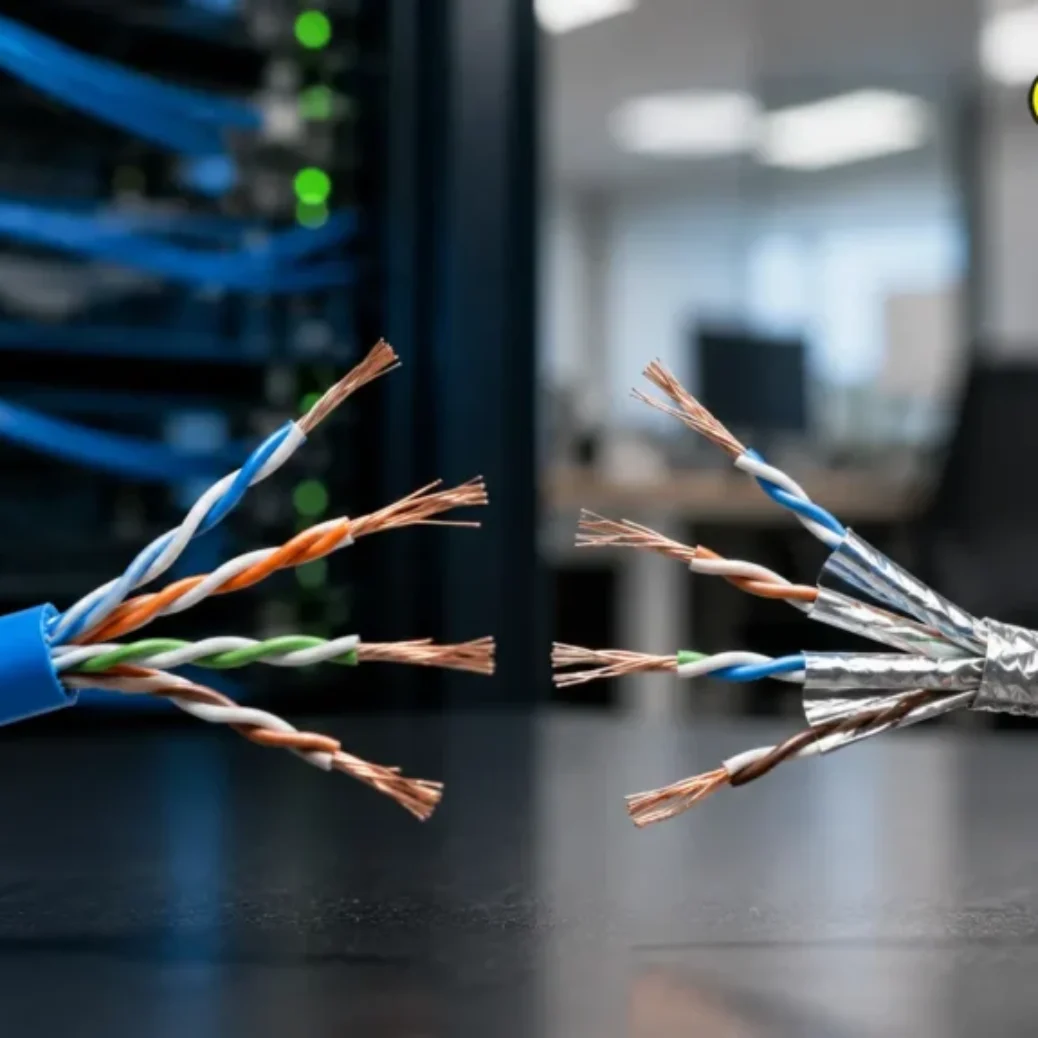
Two terms come up on every commercial job, and it helps to know both. The permanent link is the fixed cable installed in the wall, ceiling, or cable tray. It runs from the patch panel in the network closet to the outlet at the work area, and installers keep it at 90 meters or less. The channel is the whole connection end to end: the switch patch cord, the permanent link, and the device patch cord. The channel is what has to stay at or under 100 meters.
That 90-meter permanent link number is not arbitrary. It leaves roughly 10 meters of headroom for patch cords on both ends. Use a 5-meter cord in the closet and a 7-meter cord at a warehouse workstation, and a 90-meter permanent link just blew the budget. On a Plano office floor this rarely matters because runs are short. In a Fort Worth distribution center, it matters on almost every far-side drop.
Does the 100-meter Cat6 limit include patch cords?
Yes. The 100-meter Cat6 limit includes every patch cord in the channel. The patch cord connecting the switch to the patch panel counts toward the total, and so does the patch cord connecting the wall jack to the computer, phone, printer, access point, or camera. If the permanent cable in the ceiling is 95 meters and each end has a 3-meter cord, the channel is 101 meters and out of spec.
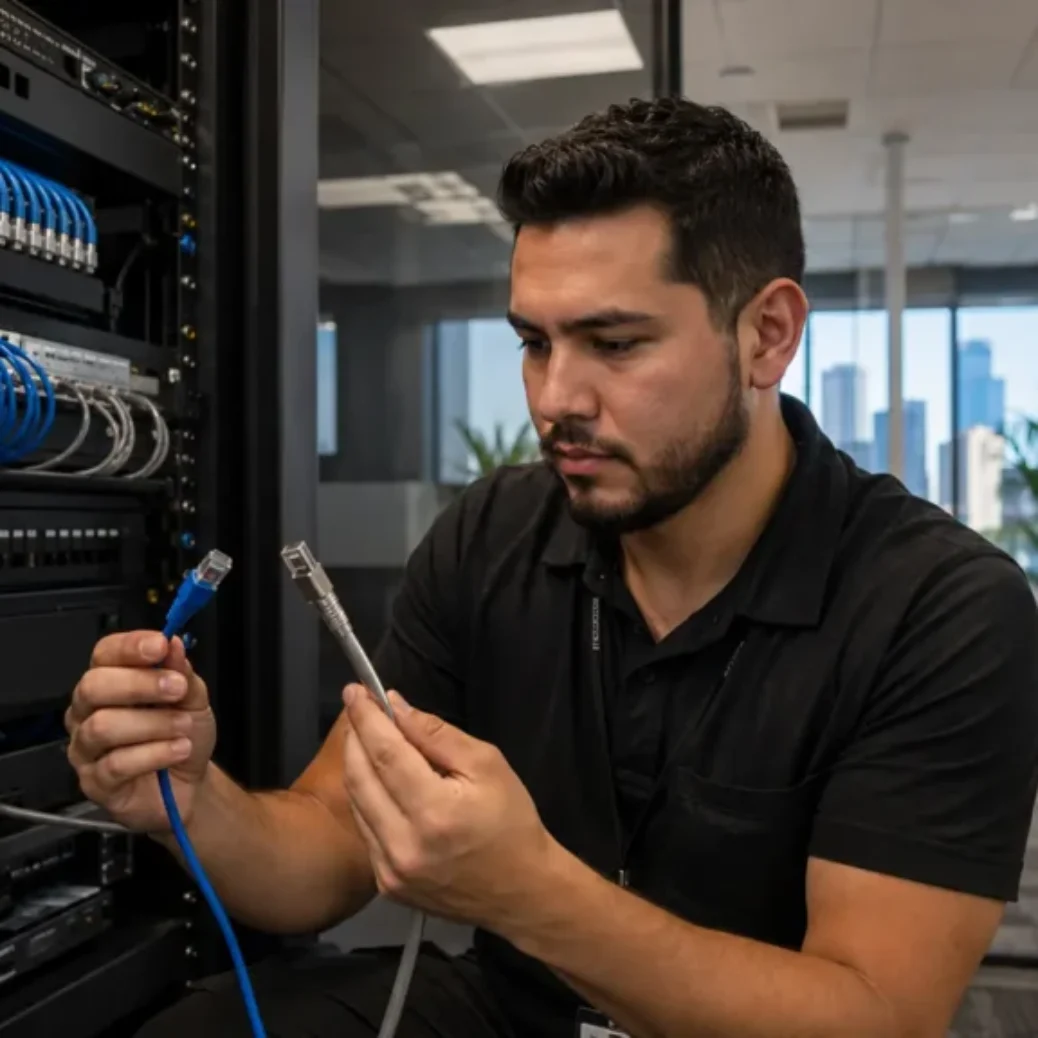
The confusion usually starts with the vocabulary. A patch cord is the short factory-made cable with a plug on each end. A patch panel is the rack-mounted termination point in the network closet where every permanent run lands on a numbered port. The workstation outlet is the jack at the other end, whether that is a wall faceplate, a surface-mount box, a floor box, or a biscuit jack under a desk. The permanent cable between panel and outlet is the part your cabling contractor pulls and terminates. The cords on both ends often come later, sometimes from the IT team, sometimes from a drawer of random cables. Those cords still count.
This is one reason a quote should state whether patch cords are included. Our team specifies cord lengths as part of Ethernet installation for DFW offices so the finished channel stays inside the limit instead of drifting past it after handoff.
Why real cable routes are longer than the floor plan
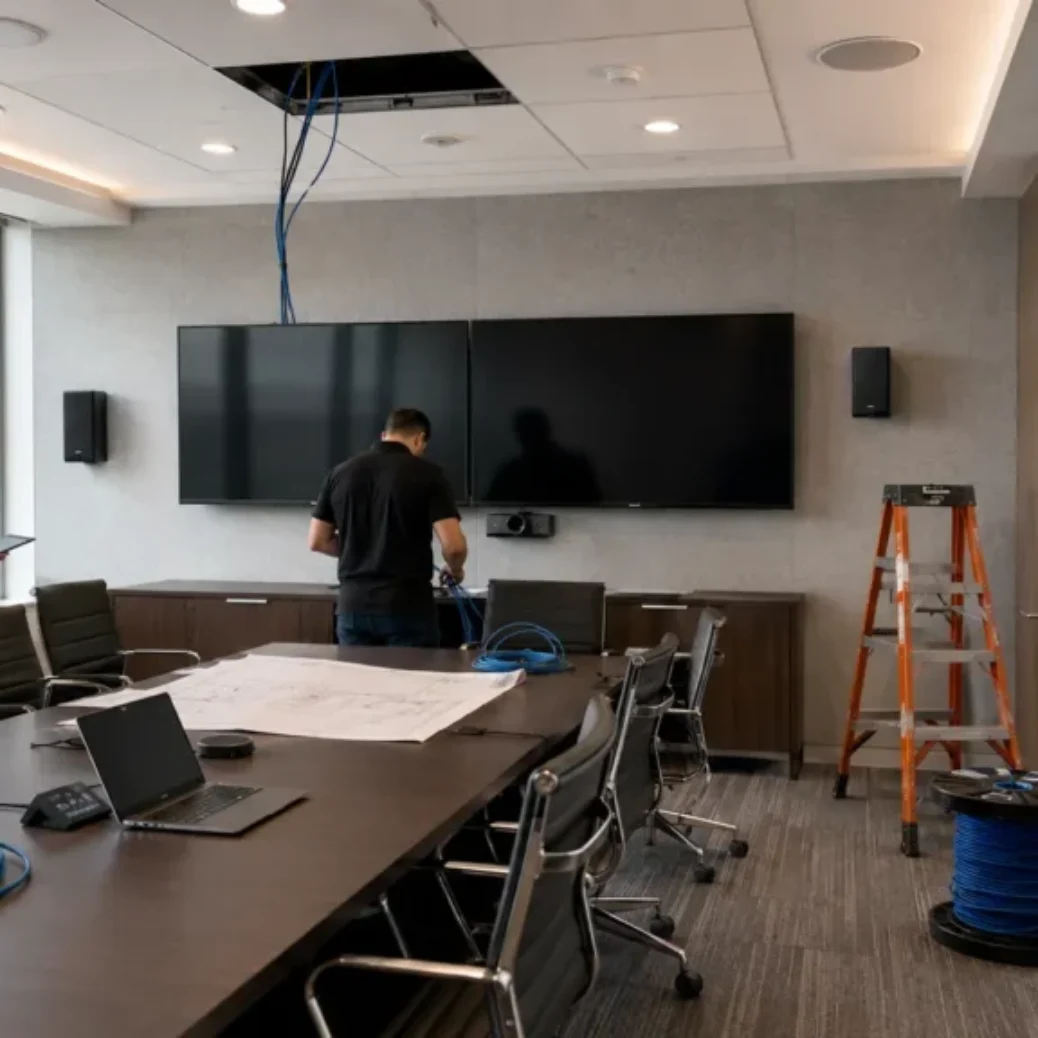
A run that looks like 70 meters on paper can easily hit 95 meters in the ceiling. Cable does not travel in a straight line from the closet to the desk. It goes up the wall to the ceiling or tray, across the building along an approved pathway, around HVAC units and beams and racking, down a column or wall, and then to the outlet. Add a service loop at the panel and another at the outlet, and the real number keeps climbing.
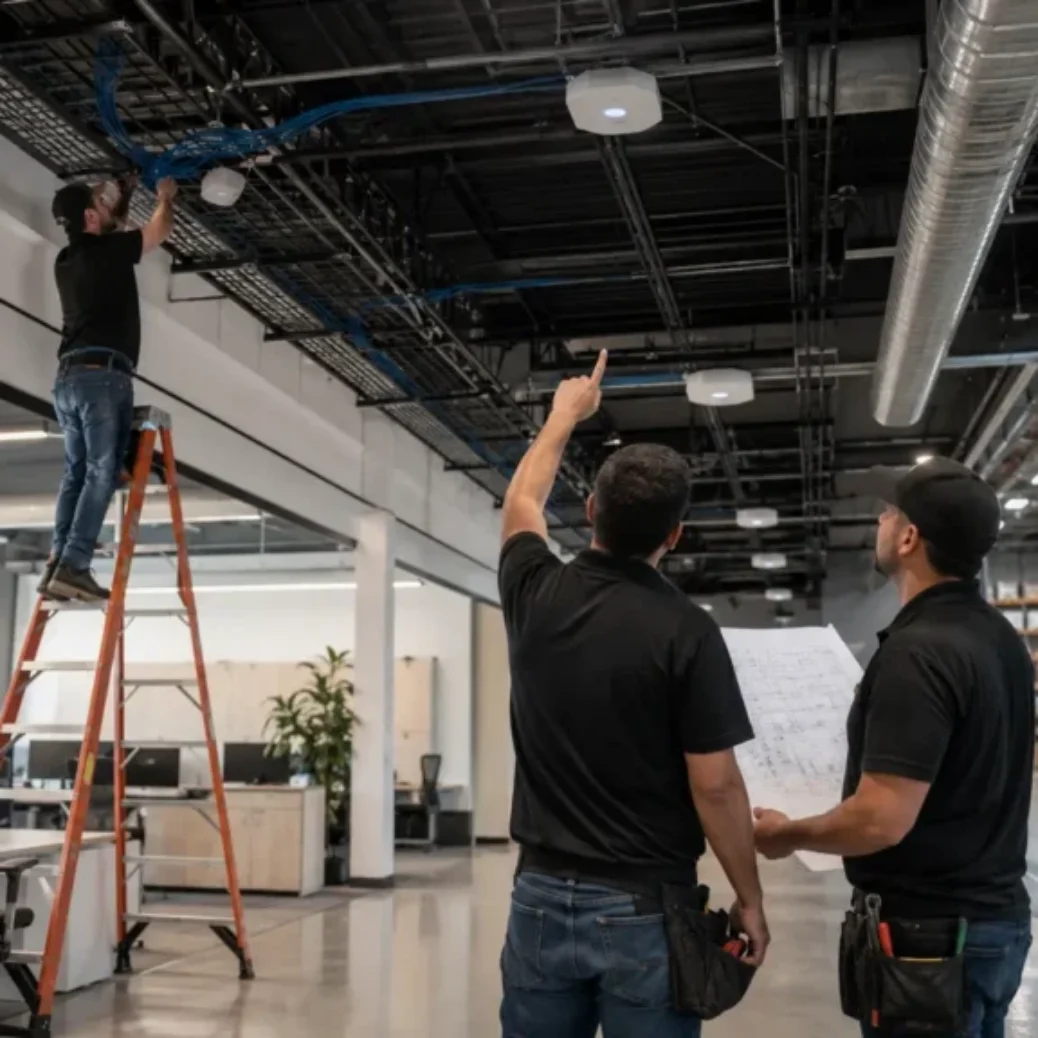
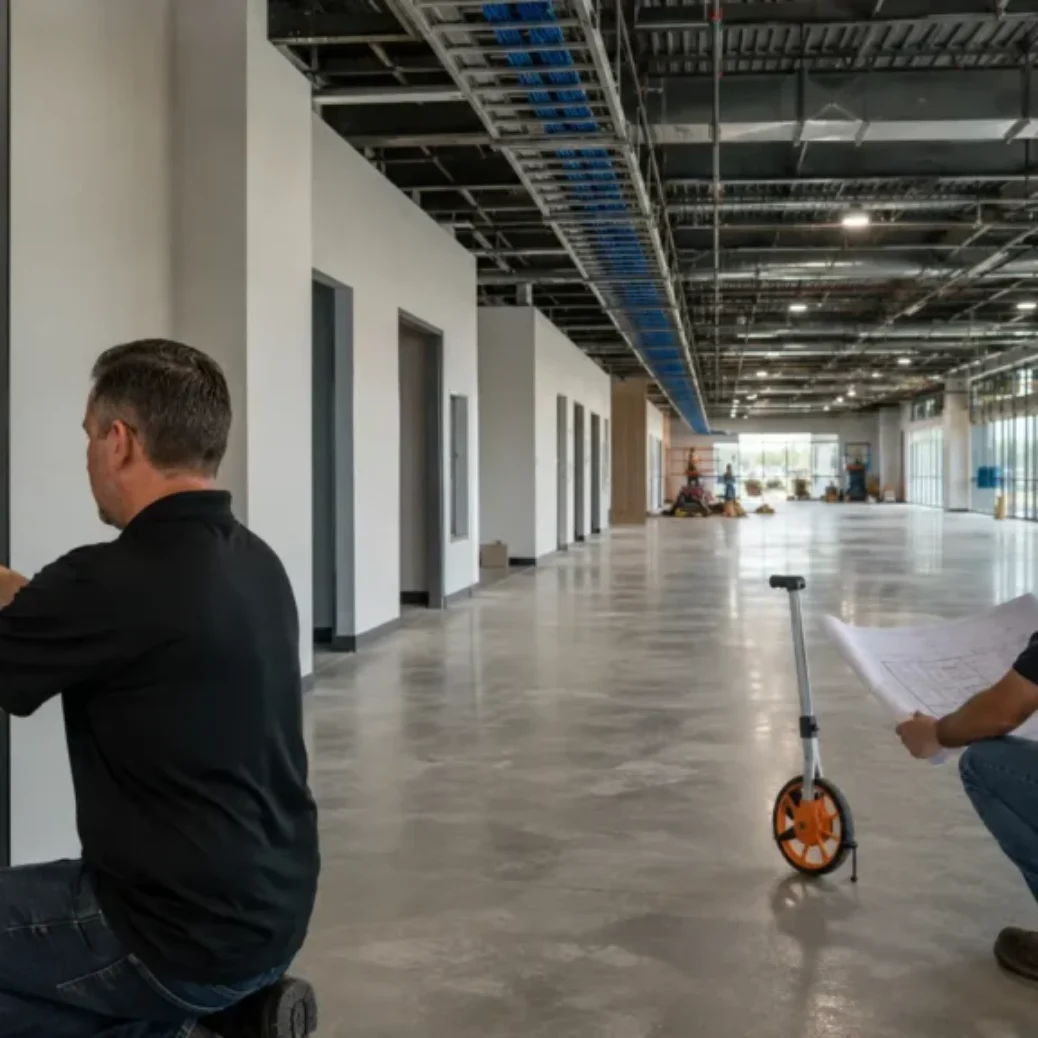
We measure pathway distance, not floor-plan distance, on every site walk. In Carrollton and Irving office buildings the difference might be 10 or 15 percent. In a warehouse with 30-foot clear height, the vertical legs alone can add 18 to 20 meters to a single run: up to the structure at the closet, down at the device end, plus routing around dock doors and sprinkler mains. That is how a drop that scaled at 80 meters fails certification at 103.
The fix is boring and cheap: measure the route early, during planning, before conduit is set and before the network closet location is locked in. Fixing a closet location on paper costs nothing. Fixing it after drywall costs real money.
What happens when a Cat6 run is longer than 100 meters?
A Cat6 run past 100 meters may still link, but it will not perform reliably. Signal loss and delay grow with distance, so long runs show up as intermittent drops, retransmissions, slow file transfers, and gigabit ports that negotiate down to 100 Mbps. PoE devices like cameras and access points can suffer voltage drop on top of the data problems, which causes random reboots that get blamed on the device instead of the cable.
The tester catches it before your users do, if anyone runs the tester. A certification test measures the installed length along with loss and crosstalk, and it fails a channel that is out of spec. This is why tested and labeled installs matter. An over-length run that never got tested becomes a support ticket six months after move-in, usually on the device farthest from the closet, and by then troubleshooting means pulling ceiling tiles instead of reading a report.
We have been called into Dallas facilities where the far corner of the building “never worked right” for years. Nine times out of ten the test report, once we finally generate one, shows a channel at 105 or 110 meters. Nobody did anything wrong with the equipment. The run was just too long from day one.
What is included from patch panel to workstation?
A complete commercial Cat6 install covers everything from the patch panel port to the working device connection, tested and documented. Here is the scope-of-work breakdown we use so DFW buyers can compare quotes on equal footing:
- Site walkthrough and floor plan review, with the network closet and pathways confirmed in person
- Device count and drop count confirmation for workstations, phones, printers, access points, cameras, and time clocks
- MDF or network closet review, including rack space, power, and cooling
- IDF planning if any run cannot stay inside the channel limit
- Cable pathway planning across tray, J-hooks, or conduit
- Route distance measured along the real pathway, not scaled from a drawing
- Patch panel port planning and rack or wall-mount hardware
- Cat6 or Cat6A cable pull along approved supports
- Termination at the patch panel and at the wall jack, biscuit jack, surface box, or floor box
- Patch cords at the closet and at the workstation or device side
- Faceplates and labeling on both ends, matched to the panel
- Certification testing on every run, with test results delivered
- As-built notes or a cable schedule, then cleanup and handoff
If a quote is vague on any of these, ask. The cheap number usually got cheap by dropping testing, labeling, or the patch cords, and those are the pieces that keep the channel legal at 100 meters. Our data cabling installation service in DFW includes all of it as standard scope, because a run that is not tested is a run that is not done.
Planning a large facility and not sure where your longest runs land? Cabling in DFW measures real pathways on a free site visit, no obligation. We work across Dallas, Fort Worth, Plano, and the rest of the metro. Request a visit through our contact page.
How do large DFW warehouses handle runs over 100 meters?
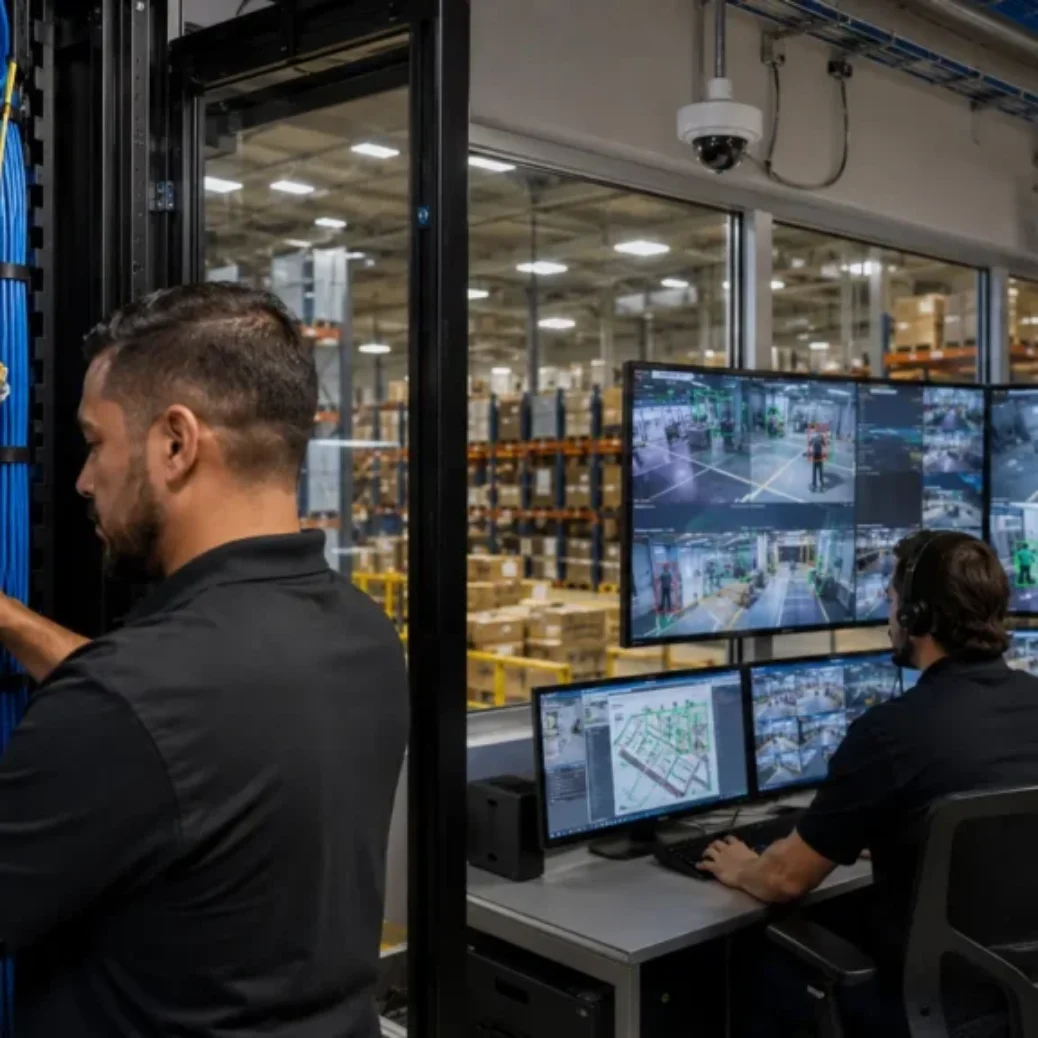
Large DFW warehouses handle over-length runs by adding an IDF closer to the far equipment and connecting it back to the MDF with a fiber backbone. Stretching copper past the limit is not an option, and daisy-chaining consumer switches on shelves is not a design. The IDF-plus-fiber layout is the standard answer, and it is what we install most often in Dallas and Fort Worth distribution buildings.
Quick definitions before the walkthrough. The MDF, or main distribution frame, is the primary telecom room where the internet handoff, core switch, and main patch panels live. An IDF, or intermediate distribution frame, is a secondary closet or wall-mounted cabinet placed elsewhere in the building. A fiber backbone is the fiber optic link that ties the IDF back to the MDF, and it can run hundreds of meters without breaking a sweat.
On a warehouse project, this is what our technicians actually do. First we measure real pathway distance from the MDF to every device zone: scanners at the dock doors, cameras on the perimeter, access points over the racking, workstations and time clocks at the far wall. If a zone cannot be reached inside the channel limit, we pick an IDF location near that zone, somewhere with power, protection from forklifts, and enough wall or floor space for a small cabinet. Placement matters: a good IDF sits where it can serve access points, cameras, scanners, printers, and workstations in that whole area, not just one device.
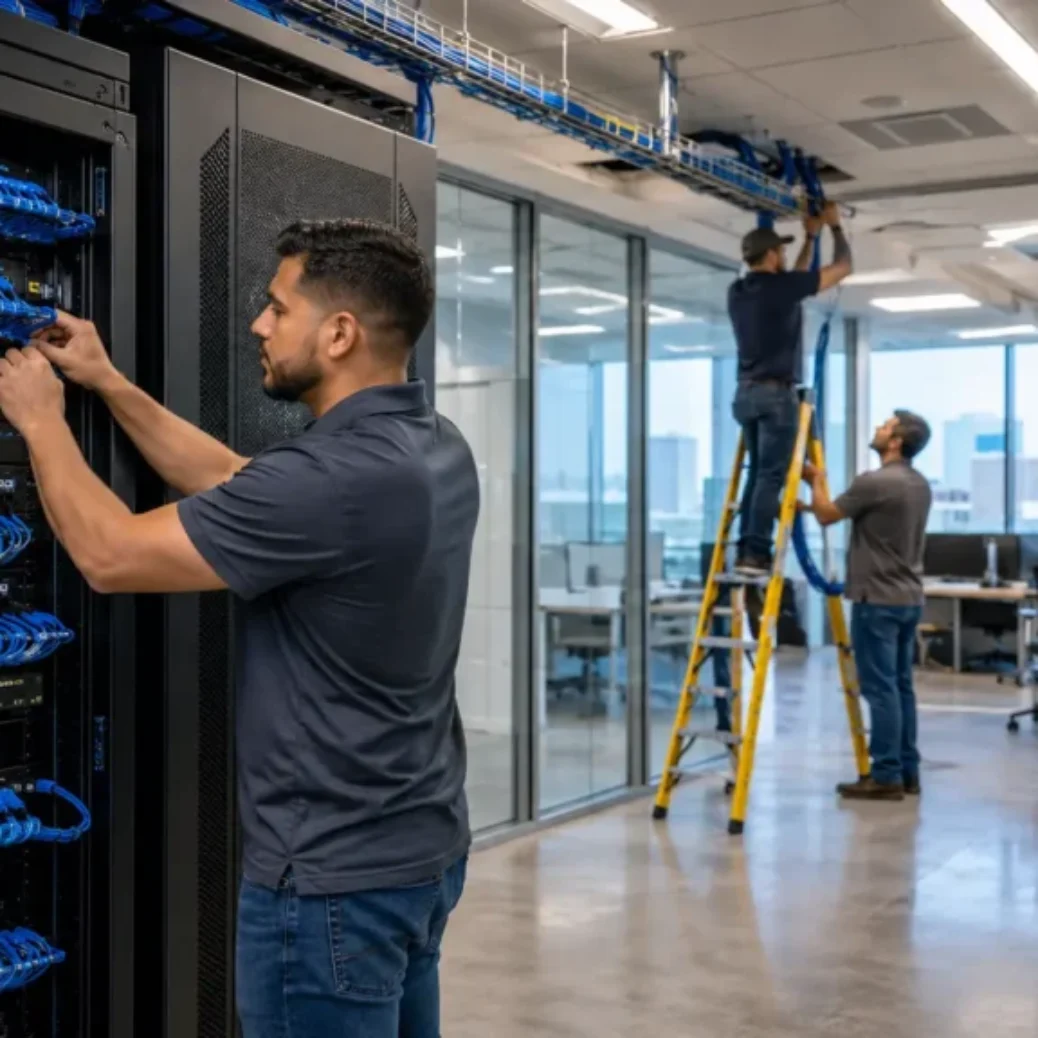
Then we run the fiber backbone from the MDF to the IDF, terminate copper Cat6 or Cat6A drops from the IDF to the nearby devices, and test both sides: the fiber link with loss testing, the copper drops with certification testing, everything labeled at both ends. The result is short, healthy copper runs everywhere, fed by a backbone that does not care about 100 meters. Our Dallas warehouse structured cabling checklist walks through the rest of the warehouse-specific planning, including lift access, ceiling height, and after-hours scheduling.
What about Ethernet extenders? They exist, and they have a place: a single isolated device, a temporary setup, a spot where fiber genuinely cannot be routed. We treat them as a limited fix, not a design. Extenders add powered failure points in hard-to-reach spots, they complicate troubleshooting, and they do not scale when the operation adds five more cameras next year. For a clean commercial design in a large facility, the fiber backbone wins.
When a DFW warehouse has cable runs that cannot stay inside the 100-meter Cat6 channel limit, the better design is usually not longer copper. It is an IDF placed near the equipment, connected back to the MDF over fiber. For businesses planning that kind of layout, our fiber optic installers in DFW design and install the backbone connection that carries the rest of the copper cabling, including multi-building links and future-ready runs sized for growth.
When should a facility use an IDF instead of one long Cat6 run?
Add an IDF when any planned Cat6 channel would exceed 100 meters, or when a cluster of devices sits far enough from the MDF that every run to it lands in the 85-to-100-meter danger zone. Runs that barely pass certification today are the ones that cause trouble later, after someone swaps in a longer patch cord or adds a consolidation point.
There are other triggers besides raw distance. Multi-floor buildings in Irving and Frisco often get an IDF per floor just to keep pathways simple. Buildings with a future expansion wall get an IDF positioned to serve the addition. Facilities loading up on PoE devices benefit from shorter copper runs even when the length technically passes, because voltage drop is lower and the switch can sit closer to the load. An IDF costs money up front for a cabinet, a switch, and the fiber link. It pays that back every time the building adds a device without anyone worrying about distance again.
When is fiber better than Cat6 for long facility runs?
Fiber is the better choice whenever a single run needs to go past 100 meters, and for any backbone between telecom rooms even under 100 meters. Multimode fiber handles hundreds of meters at 10 Gbps. Single mode handles kilometers. Distance simply stops being the constraint.
In practice, DFW facilities use fiber for MDF-to-IDF backbones, links between buildings on the same property, connections across large parking structures, and runs through electrically noisy areas near heavy equipment, since fiber ignores electrical interference entirely. Copper still wins at the edge. Cat6 and Cat6A remain the right medium from an IDF to workstations, cameras, phones, and access points, because those devices have copper ports and many draw PoE power, which fiber does not carry. The clean design pairs the two: fiber for distance, copper for the last stretch. If you are weighing the tradeoffs building-wide, our comparison of fiber vs copper cabling for Dallas offices goes deeper on speed, cost, and use cases.
Cat6 length planning options for large DFW facilities
When a facility is planning around the 100-meter rule, the main options stack up like this:
| Option | Best for | Distance use case | Pros | Limitations | When we recommend it |
|---|---|---|---|---|---|
| Standard Cat6 run under 100 m | Offices, near zones | Any channel that measures under 100 m by pathway | Lowest cost, simple, PoE capable | Hard stop at 100 m including cords | Default for every drop that fits the limit |
| Cat6A run under 100 m | 10 Gbps needs, dense PoE | Same 100 m channel limit as Cat6 | Full 10 Gbps to 100 m, better heat handling for PoE++ | Costs more, thicker cable, same length cap | High-bandwidth offices and AP-heavy buildings; Cat6A does not extend distance |
| Add an IDF | Far zones with multiple devices | Device clusters beyond copper reach of the MDF | Short healthy copper runs, room to grow | Needs space, power, a switch, and a backbone | Warehouses and large floors where a whole zone is out of range |
| MDF-to-IDF fiber backbone | Large facilities, campuses | Hundreds of meters to kilometers | Distance solved, high bandwidth, immune to interference | Requires fiber termination and switch optics | Standard pairing with any IDF; the clean long-distance answer |
| Ethernet extender | One isolated device | A single run modestly past 100 m | Cheap, fast to deploy | Powered failure point, does not scale, harder to troubleshoot | Limited fixes only, rarely as the permanent design |
| Relocate the network closet | Early-stage projects | Whole layouts where the MDF sits in a corner | Can bring every run into spec at once | Only practical before buildout or during remodel | New construction and remodels, decided at the planning stage |
What do Cat6 length decisions mean for cost and timing?
Length planning shows up in the budget three ways. First, materials: longer average runs mean more boxes of cable, and a facility that needs an IDF adds a cabinet, a switch, and fiber with terminations. Second, labor: warehouse runs at height need lifts and take longer per drop than office ceiling work, and after-hours or occupied-building work in places like Plano medical offices adds scheduling cost. Third, rework risk, which is the expensive one. An over-length run discovered after move-in costs far more to fix than an IDF costs to plan, because now the fix happens above an operating warehouse floor.
Timing follows the same logic. An IDF and backbone add days to an install, not weeks, when they are in the plan from the start. Discovered mid-project, they add change orders and schedule slips while fiber is ordered and a cabinet location is negotiated. For real number ranges on drops, fiber, and typical DFW project sizes, see our guide to Dallas network cabling costs for Cat6 and fiber upgrades.
Common Cat6 length mistakes we see in DFW buildings
The same handful of mistakes account for most of the length problems we get called in to fix. Measuring from the floor plan instead of the pathway is the big one, and it hides 15 to 25 percent of the real distance. Forgetting patch cords in the total comes next, which turns a passing 92-meter link into a failing 102-meter channel. Putting the MDF in whatever closet was left over, usually a far corner, guarantees the opposite corner is out of reach. Buying Cat6A to “fix” a distance problem does not work either; Cat6A improves bandwidth, not maximum length. Skipping certification testing means over-length runs ship as somebody else’s future problem. And using extenders as the plan, instead of an IDF and backbone, trades one clean fix for a scattering of powered boxes in the ceiling.
Every one of these is avoidable at the planning stage. If you are laying out a new space, our guide to new office cabling planning in Dallas covers the decisions that come before the first cable gets pulled, closet location included.
What should a DFW business prepare before a cabling site survey?
You do not need engineering drawings to get a solid quote. You need the working facts about your space. Bring these to the site visit and the estimate gets faster and tighter:
- A floor plan or basic layout, even a marked-up PDF or sketch
- Number of workstations and number of phones
- Printer locations and any shared equipment spots
- Access point locations, or at least the coverage areas that matter
- Camera locations, inside and out
- Warehouse scanner and time clock locations, if applicable
- Where the MDF or main telecom room is today
- Any existing IDF locations
- Known long runs or far corners of the facility
- Ceiling type and, for warehouses, clear height
- Access restrictions, badge areas, or landlord rules
- Whether work must happen after hours
- Your move-in or go-live deadline
- A GC or IT contact for coordination
- Whether patch cords should be included in the scope
- Whether you require testing and labeling documentation (you should)
- Whether a fiber backbone may be needed for distance or between buildings
Half of these questions are really one question: where are the devices, and how far are they from the closet along a real pathway. Answer that early and the 100-meter rule becomes a planning input instead of a surprise. If the project spans a full buildout, our structured cabling installers handle the design end to end, from closet layout to the last labeled jack.
Why DFW businesses choose Cabling in DFW
Cabling in DFW has run commercial cabling projects across Dallas-Fort Worth since 2009, with 400+ completed jobs in offices, warehouses, medical buildings, and multi-tenant spaces. A few specifics that matter for length-sensitive projects:
BICSI-trained technicians plan runs to the standard, which is where the 90-meter permanent link and 100-meter channel numbers come from in the first place. Every run is certification tested and labeled, and we hand over the test results, so you can see the measured length of every channel in the building. Work is covered by a 5-year workmanship warranty. And our office is in Carrollton, so site visits across Dallas, Fort Worth, Plano, and Frisco happen quickly, including a free first visit to measure your actual pathways. You can request a free site visit and see how we scope your building type.
Frequently asked questions
What is the Cat6 length limit?
The Cat6 length limit is 100 meters, or 328 feet, for the complete channel. That covers the permanent cable plus the patch cords on both ends. Installers hold the permanent link to 90 meters so roughly 10 meters remain for cords.
Does the Cat6 length limit include patch cords?
Yes. Both patch cords count toward the 100 meters: the cord from the switch to the patch panel and the cord from the wall jack to the device. A 95-meter permanent run with two 3-meter cords is a 101-meter channel and out of spec.
What happens if a Cat6 run exceeds 100 meters?
Performance becomes unreliable. Expect intermittent drops, links that negotiate down to 100 Mbps, slow transfers, and PoE devices that reboot randomly. The run also fails certification testing, which is how professionals catch the problem before move-in.
Does Cat6A allow longer runs than Cat6?
No. Cat6A has the same 100-meter channel limit as Cat6. What Cat6A adds is full 10 Gbps performance across that entire 100 meters, plus better behavior with high-power PoE. It solves bandwidth problems, not distance problems.
Why do large DFW warehouses often need IDFs?
Because pathway distance in a warehouse is much longer than floor distance. Vertical legs at 25 to 35 feet of clear height, plus routing around racking and dock areas, push far-side runs past 100 meters. An IDF near the far zone brings every copper run back inside the limit.
When should a facility use a fiber backbone?
Use a fiber backbone for any MDF-to-IDF link, any building-to-building connection, and any run that must exceed 100 meters. Fiber covers hundreds of meters or more and is immune to electrical interference, which also makes it the right choice near heavy equipment.
Are Ethernet extenders a good fix for long runs?
Only in limited cases: a single isolated device or a temporary setup. Extenders add powered failure points, complicate troubleshooting, and do not scale. For a facility with multiple far devices, an IDF with a fiber backbone is the cleaner permanent design.
How do I get cable lengths measured for my DFW facility?
Have a cabling contractor walk the site and measure along the real pathways, not the floor plan. Cabling in DFW does this on a free site visit anywhere in the Dallas-Fort Worth metro, and every install we complete includes certification test results showing the measured length of each run.
Plan the runs before you pull the cable
The 100-meter rule is easy to satisfy and expensive to ignore. Measure real pathways early, count the patch cords, place the closet where it can reach the building, and use an IDF with a fiber backbone where copper cannot go. That is the whole playbook.
Ready to plan cabling for your DFW warehouse, office, or facility expansion?
Cabling in DFW reviews your layout, measures realistic pathways, and gives you a straight answer on Cat6 runs, IDF placement, and fiber backbones. Free site visits across Dallas-Fort Worth, no obligation.