
Cabling in DFW plans and installs commercial fiber for businesses across Dallas-Fort Worth. Most projects start the same way. A building needs more bandwidth between floors, two suites need to talk to each other, or a backbone put in years ago can no longer keep up with what the network is doing. We handle backbone design, new fiber optic cable runs, connections between suites and separate buildings, repair and upgrade work on existing fiber, plus termination, testing, labeling, and documentation on every job. Commercial properties only. If you are planning a buildout, a move, or an expansion, we will walk the site and scope the work before anything gets pulled.




Copper handles most desk drops without complaint. It runs into limits when the distance gets long, when a run leaves the building, or when one link carries traffic for an entire floor. Fiber optic cables move data much farther than Cat6 or Cat6A, and they ignore electrical noise from motors, elevators, and lighting circuits. In a warehouse or an older property, that second point matters as much as the first. Fiber optic cables usually earn their place in four situations. A backbone that ties each floor’s IDF back to the main equipment room. A run between two suites in the same complex. A link from a front office to a warehouse across the lot. A connection between two buildings on one property. One clarification worth making, because it comes up on almost every call. This is installed cabling inside and between your properties, not internet service. Your provider brings a circuit to the building and hands it off at the demarc. Everything past that point is infrastructure you own, and that is the part we design, install, and document. Well built fiber optic networks outlast several rounds of switches, routers, and service contracts.
15+
Years of Experience
400+
Project Done
96%
Client Satisfaction
Trusted by businesses and recognized through respected awards, reviews, and local honors.






Every project is scoped from the building, not from a package. These are the pieces most fiber optic projects are built from.
| Fiber Type | Mode | Where It Fits | Practical Reach at 10G |
|---|---|---|---|
| OS2 | Singlemode | Building to building, campus runs, long backbones | Kilometers with matched optics |
| OM3 | Multimode | In-building backbone and equipment room links | Roughly 300 meters |
| OM4 | Multimode | Longer in-building runs, larger properties | Roughly 400 meters |
Actual reach depends on the optics, connector count, and total link loss, so treat these as planning figures and confirm against your hardware. Six things decide the answer on a real project. How far the run has to travel. What optics your switches take, since singlemode and multimode transceivers are not interchangeable. What bandwidth the link carries today. How much growth is realistic over the next several years. What the pathway looks like, indoor or outdoor, existing conduit or new. And the budget, which usually turns on the equipment rather than the cable. A short version that holds up most of the time: if the run stays inside one building, multimode is usually the practical choice. If it crosses between buildings or covers real distance, singlemode is the safer investment. Fiber optic
technology has not changed much at the cable level in years, which is exactly why properly installed fiber optic cables stay useful long after the electronics get replaced.
Every project is scoped from the building, not from a package. These are the pieces most fiber optic projects are built from.
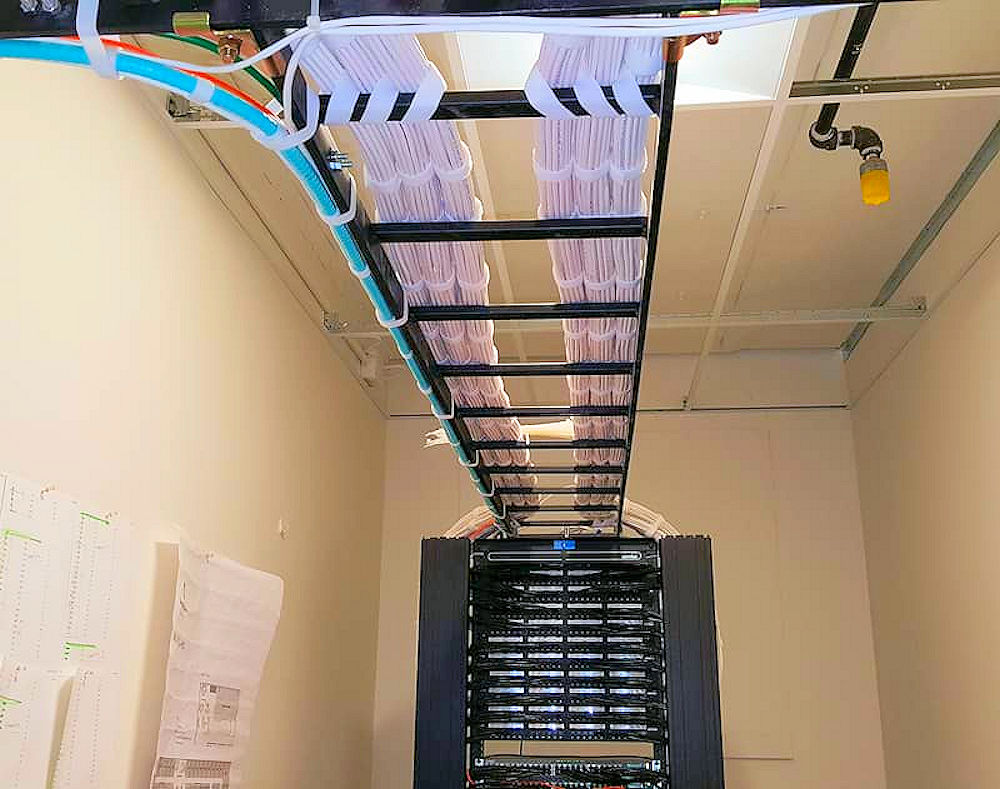
A multi-floor office with a closet on each floor. Each IDF has to reach the MDF, and copper starts running out of room once you pass a few hundred feet or push heavier traffic. A fiber optic cable between closets fixes the bottleneck without touching the desk drops.
An office and warehouse on the same lot. The front office runs on a decent network and the warehouse limps along on
whatever was cheapest at the time. Scanners drop, cameras stutter, and the WiFi at the back of the building is a running joke. A fiber optic cable run across the property puts both spaces on the same network. This is the same problem we solve when running fiber optic cable between buildings on a shared site.
Two suites in one complex. A company takes the space next door and needs it to work like one office rather than two. Fiber optic cable installation between offices keeps one server, one phone system, and one internet circuit serving both suites. Medical and imaging offices. Large image files move constantly between rooms, storage, and outside systems. A backbone built for email is not built for that.
Multi-tenant commercial properties. Property managers deal with tenants who each want their own service and their own equipment room path. Planned fiber pathways make each turnover simpler instead of adding another improvised
run to the ceiling.
Schools and training facilities. Buildings are spread out, budgets run on cycles, and the cabling has to last through several equipment refreshes. Relocations and expansions. The cheapest time to run fiber is while ceilings are open and walls are unfinished. Adding it after the furniture arrives costs more and disrupts more.
We walk the property, look at the existing equipment rooms, check pathways, and measure the real distances. Photos and a floor plan help, but nothing replaces seeing the ceiling and the closets.
We map where the cable goes, what it passes through, and what needs protection. Fiber type and count get decided here, along with whether existing conduit is usable.
Our fiber optic installers pull and support the cable on the planned route. Bend radius, tension, and.protection get watched during the pull, because that is when most future problems are created.
Ends are terminated, dressed into panels, and coordinated with whoever handles your switches so the connectors match the optics.
Each link is tested, labeled at both ends, and recorded. You get the results and a diagram before we close the job out.



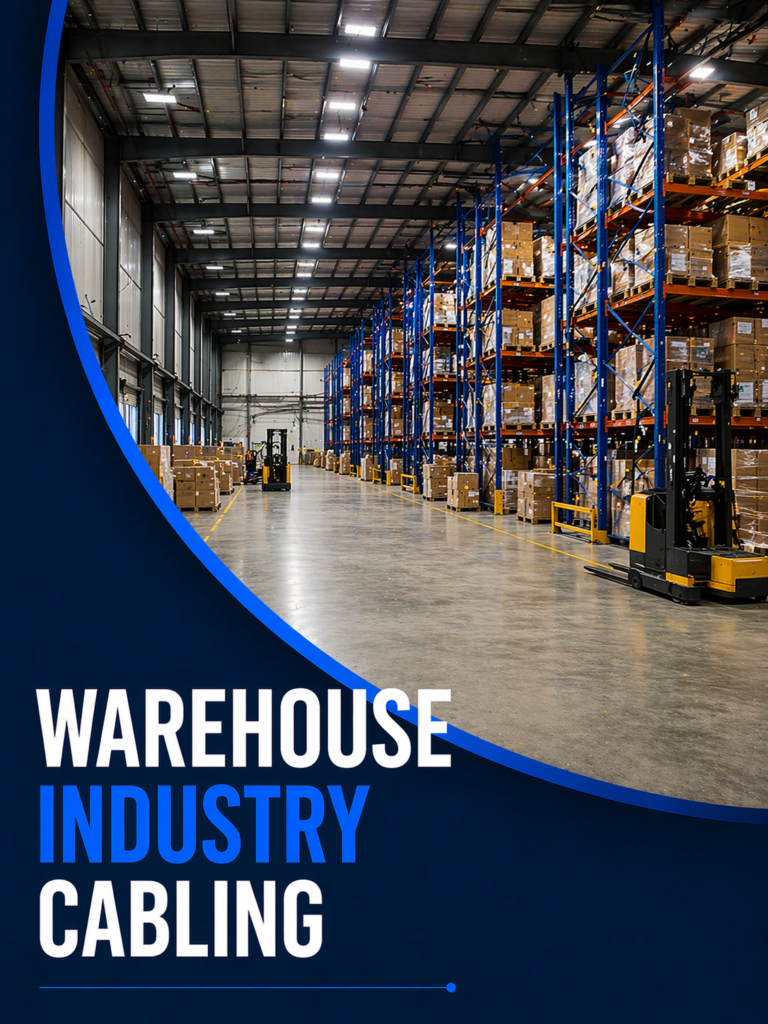

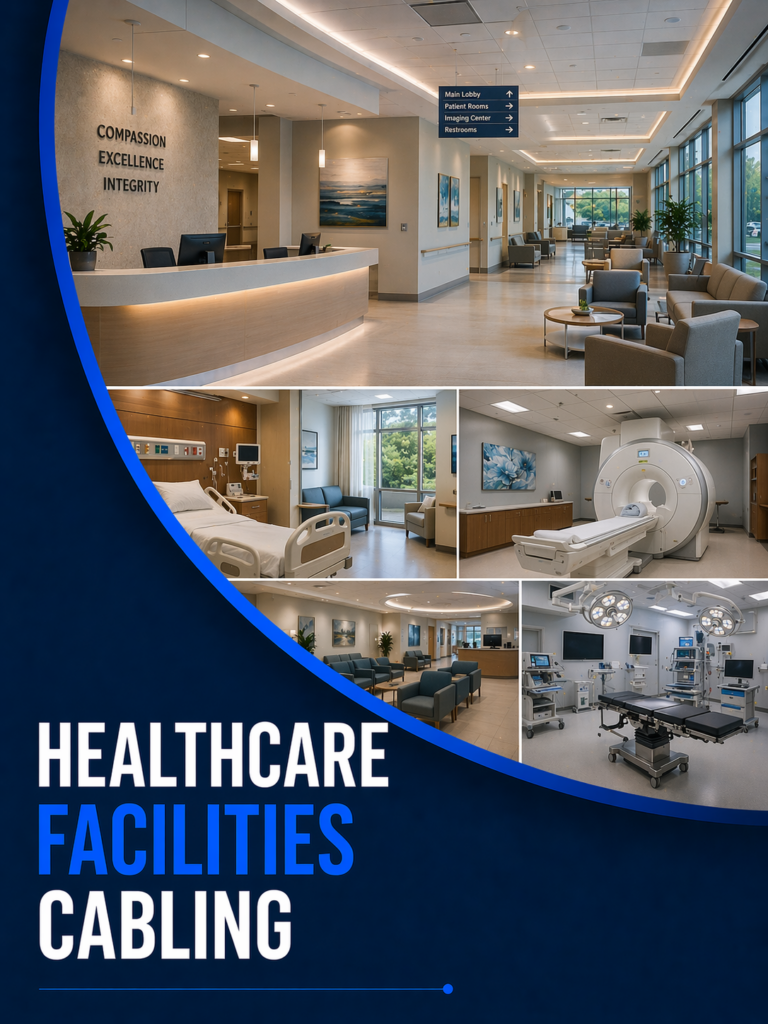
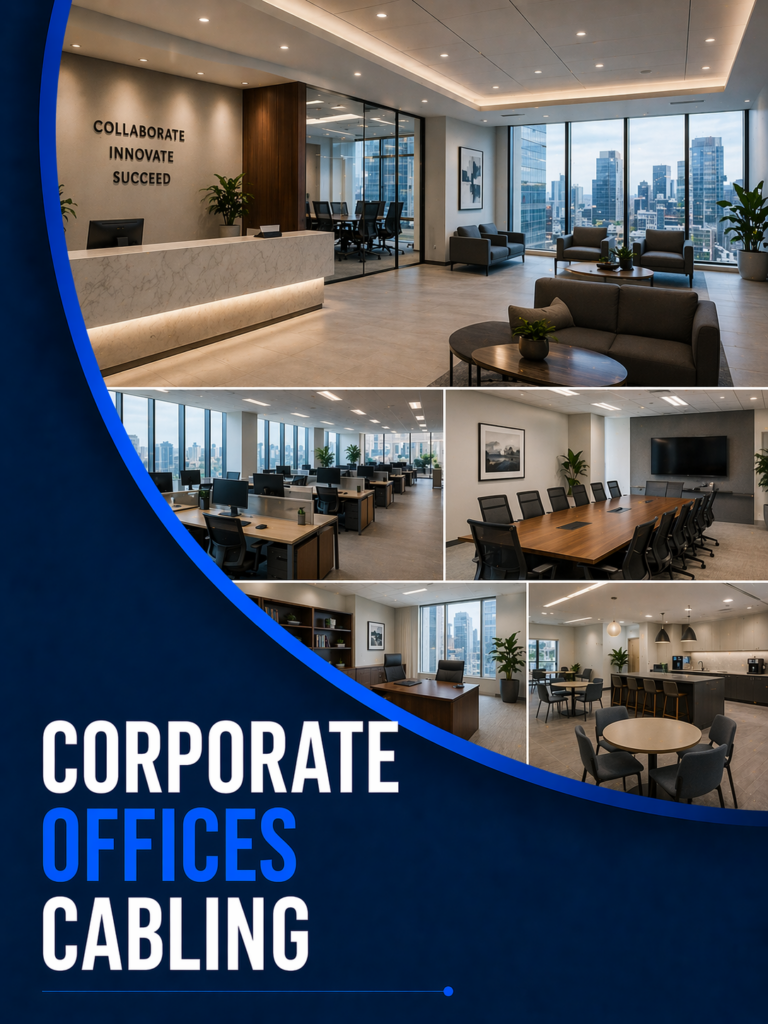

Fiber optic cables are more delicate than copper during installation and tougher than copper once they are in place. Kinks, over-tight cable ties, and bends past the minimum radius do damage that may not show up as a hard failure for months. It shows up instead as a link that works, then does not, then does again, which is the worst kind of problem to
chase.
Support and protection do the quiet work. Fiber optic cable that is properly supported above the ceiling, run inside pathway where it is exposed, and protected at every transition point survives ceiling work, HVAC service, and the next tenant improvement project.
Labeling and records are what make the network maintainable. When a link goes down at 4pm, the difference between a fast fix and a long evening is whether anyone can tell which strand goes where. Every job we finish includes labeled ends, test results, and a diagram, so your IT team or your next contractor is not guessing.
EXCELLENT Based on 22 reviews
 Posted on Google
 Thomas ClarkI reached out for a fiber optic repair at our real estate office. Travis and Harrison were both amazing—on time, organized, and left everything working better than before.Posted on Google
 Ashton LinOur coworking space needed a full Ethernet cable installation. Joshua handled the layout and installation cleanly and made sure every port tested perfectly.Posted on Google
 Michael TaylorWe had major delays during our warehouse network upgrade until Harrison stepped in. He coordinated the entire cabling team and got everything back on track in just a few days.Posted on Google
 Marlon GouldTravis helped install structured cabling for our new conference room setup. He was professional, patient with our changes, and got the job done fast.Posted on Google
 Juliana HudsonMy office internet was down, and I called for help. Joshua arrived right on time and fixed the fiber issue quickly with no disruption to our staff.Posted on Google
 Barbara ClarkWe faced a fiber cable issue at our school that needed immediate attention. Travis arrived on time, quickly identified the problem, and fixed it without disrupting classes.Posted on Google
 Mohit SharmaWe had a critical fiber issue at our school, and Joshua showed up exactly when he said he would—tools in hand, ready to work. He diagnosed the problem fast and had us back online before the final bell rang. It’s rare these days to see that kind of professionalism paired with such quiet confidence.Posted on Google
 Kirthi NarasimhanJosh and Edgar are very professional and extremely skilled at what they do. I appreciated their diligent effort and dedication to get the job done, which exceeded my expectations! I would 100% recommend their services for your next job.Posted on Google
 Josh BarnhardtProfessional and efficient network cabling!Posted on Google
 Harsh GorThey have excellent team. Joshua has been always helpful and prompt to solve the problem
Once a backbone run passes roughly 300 feet, leaves the building, or carries traffic for an entire floor or department, fiber optic cable is usually the better answer. Copper is still the right call for desk drops and shorter runs inside one area. Distance and total traffic decide it, not building size.
OS2 is singlemode and handles long distances, which makes it the usual choice between buildings. OM3 and OM4 are multimode and fit in building backbones, with OM4 carrying 10G further than OM3. Your switch optics have to match the fiber type, so that decision gets made together.
Yes, and it is one of the most common reasons businesses call us. Suite to suite, floor to floor, and building to building links all work well over fiber. The route matters more than
the distance: we check pathways, property lines, and whether the run stays indoors or has to go outside.
Distance, the number of strands, how hard the pathway is to work with, whether conduit already exists, termination count, and how much of the work has to happen after hours.
A straight ceiling run costs a fraction of a route that needs new conduit outdoors. We quote flat rate per drop after a site
visit.
Many single-link fiber optic projects finish in a day or two. Larger backbone work across multiple floors or buildings takes longer, especially when new pathway is involved or the work has to happen outside business hours. We give a timeline with the quote, once the route is known.
Every fiber optic cable gets tested after termination, labeled at both ends, and recorded. You receive the test results and a diagram showing what connects where. Keep those records with your network documentation, because they save real time the first time something needs troubleshooting.
Often, yes, and reusing pathway is one of the easiest ways to control cost. During the site survey we check whether existing conduit is clear, correctly sized, and routed where the new run needs to go. Older conduit is sometimes full or damaged, which we would rather find before the quote than during the
pull.
That is the best time to do it. Open ceilings and
unfinished walls make the work faster and less disruptive, and coordinating with the general contractor keeps the cable path clear of other trades. Bring us in during planning rather than after the drywall goes up.

Our mission is to provide re
Business Hours: Mon–Fri 9:00 AM – 6:00 PM
Copyright © 2026 Cabling in DFW | All Rights Reserved | Designed and Maintained by DFW Website SEO
Was anything missing?
Tell us how we can help.


